HD Meeting Video
Choose a complete camera system when remote participants need a clear view of the presenter or the entire room.
Plug-and-play meeting technology
Help everyone be seen and heard with Toucan video conference systems and speakerphones. Choose 360-degree room coverage, an all-in-one HD camera system, or flexible Bluetooth and USB conference audio for home offices, meeting rooms, and hybrid teams.
Choose a complete camera system when remote participants need a clear view of the presenter or the entire room.
Omnidirectional microphone coverage helps participants around the table be heard more clearly.
Connect compatible products through USB, Bluetooth, or both, depending on the selected meeting system.
Connect the hardware to a compatible computer or device and use it with commonly used conferencing platforms.
Choose your meeting setup
Choose the SC360 for full-room visibility and speaker tracking, the SC100 for an all-in-one home-office or small-team setup, or the S100 when your main priority is clearer shared meeting audio.
Toucan SC100 Video Conference System – 1080p HD
Toucan SC360 360 Degree Conference Camera – 1080p HD
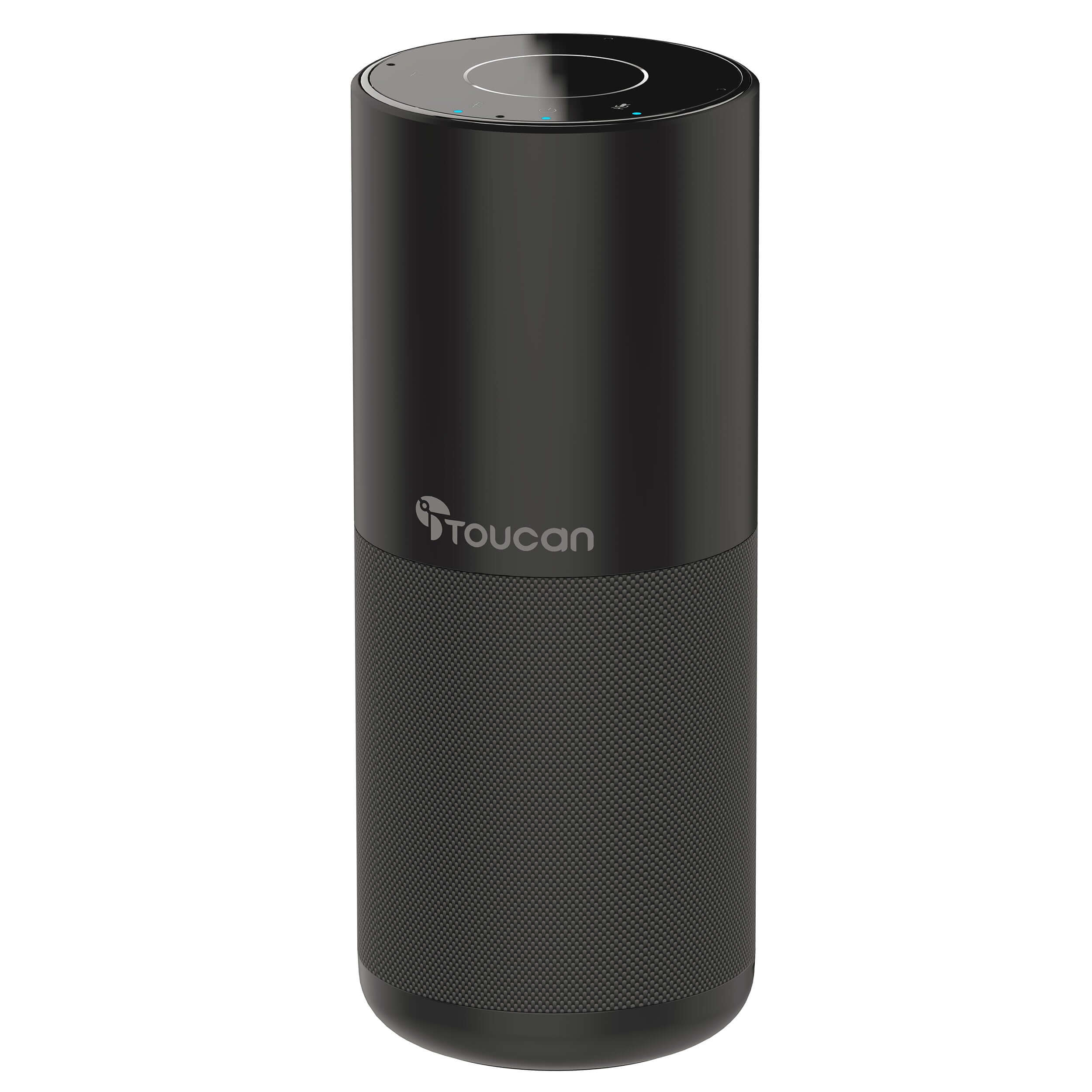
Toucan S100 Bluetooth Conference Speakerphone
Designed for different meeting spaces
A home office, a small-team room, and a full conference table do not need the same hardware. Match the product to the number of participants and how the conversation normally works.

Use the S100 when the camera you already have is sufficient but clearer shared sound and microphone pickup are needed.

The SC100 is designed for home offices, remote-work setups, and smaller meetings that need an all-in-one system.

The SC360 is designed for group meetings where remote participants need visibility across the room.
Compare Toucan conference products
Choose based on whether you need full-room video, an all-in-one compact system, or audio improvement for an existing camera.

Designed for conference rooms and hybrid meetings that need 360-degree visibility and automatic speaker focus.

A compact camera, speaker, and microphone system for home offices, small teams, and remote-work setups.

Improve meeting audio when you already have a webcam or do not require a separate conference camera.
Simple setup
Exact connection options vary by model, computer, mobile device, operating system, and conferencing platform.
Decide whether you need full-room video, a compact all-in-one setup, or improved conference audio for an existing camera.
Use the included USB connection or supported Bluetooth option, depending on the selected Toucan product and host device.
Open the meeting platform’s audio and video settings and choose the Toucan camera, microphone, or speaker as the active device.
Works with your meeting workflow
Toucan conference products are designed as plug-and-play hardware for compatible computers and mobile devices. Select the Toucan camera, microphone, or speaker from the settings inside your preferred meeting application.
No Toucan monthly subscription is required to use the conference hardware. Third-party conferencing platforms may require their own account, subscription, internet connection, or service terms. Confirm device and operating-system compatibility before ordering.

Conference systems FAQ
Review each product page for current technical specifications, included cables, compatibility, and system requirements.
The SC360 is a full-room 360-degree video system with AI voice tracking. The SC100 combines an HD camera, speaker, and microphones for smaller rooms and home offices. The S100 is an audio-focused Bluetooth and USB speakerphone without a conference camera.
No Toucan subscription is required to use the hardware. Third-party meeting platforms may have separate account, subscription, or service requirements.
The SC360 is the strongest choice when remote attendees need a view across the full table, multiple display modes, and automatic speaker focus.
Choose the SC100 when you need video, microphones, and a speaker in one compact system. Choose the S100 when your existing webcam is sufficient and clearer audio is the main priority.
The S100 supports Bluetooth and USB. The SC100 includes Bluetooth and USB audio options along with its camera connection. Review the current product instructions for the supported connection path.
Toucan conference products are designed for plug-and-play use without a dedicated Toucan subscription service. Your computer or meeting platform may still install standard device drivers automatically.
Yes. The SC360 includes AI voice tracking that can identify and focus on active speakers while supporting multiple display modes.
They are designed to work as compatible camera, microphone, and speaker hardware with commonly used conferencing software. Confirm current operating-system and platform requirements before purchasing.
Plug-and-play conference technology
Toucan conference systems combine practical meeting-room video, omnidirectional microphone coverage, echo and noise cancellation, shared audio, and straightforward connections.
Choose the room-wide SC360, compact SC100, or audio-focused S100 based on the way participants gather and join the meeting.
Choose a complete video conference system or improve meeting audio with a compact Toucan speakerphone.