
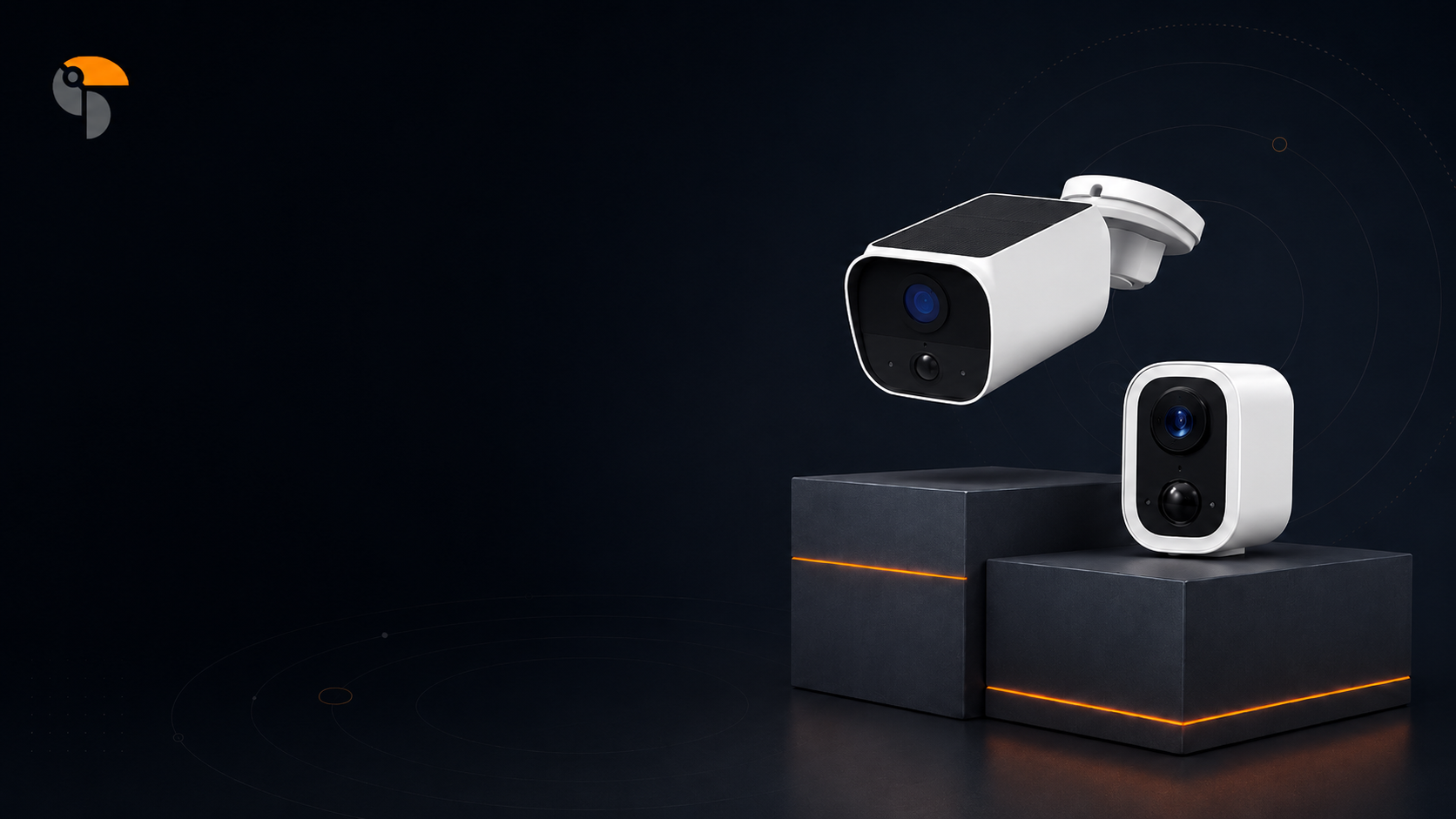
The Wyze security camera recall is a timely reminder for every homeowner: your security camera should not only protect your home, it should also be safe, reliable, and installed correctly.

Wireless security camera safety reminder!
Smart home security cameras are designed to help homeowners feel safer, more aware, and more in control of what happens around their home. But like any battery-powered or outdoor electronic device, proper installation matters.
A recent security camera recall has brought new attention to an important reminder: even simple wireless cameras should be installed carefully, using the correct parts and following the manufacturer’s instructions.
For homeowners, this is not a reason to panic. It is a reason to be more informed.
Why Installation Safety Matters
Wireless and solar security cameras are popular because they make home protection easier. Many homeowners choose them because they do not require complicated wiring, professional installation, or major changes to the home.
However, some outdoor cameras include rechargeable lithium-ion batteries, mounting hardware, solar panels, or weather-resistant housing. If the wrong screw, bracket, or installation method is used, it may affect the product’s safety or performance.
That is why installation instructions are more than just a setup guide. They are part of the product’s safety system.
Before installing any wireless camera, homeowners should take a few extra minutes to make sure the device is being mounted correctly.

Wireless Security Camera Safety Tip:
A Simple Safety Checklist Before Installing a Wireless Camera
Before you install a battery-powered or solar security camera, review these key points:
1. Read the full installation guide first
Even if the camera looks easy to install, read the instructions before mounting it. Pay attention to screw sizes, bracket placement, charging instructions, and any warnings from the manufacturer.
2. Use the correct screws and accessories
Only use the screws, mounts, cables, and accessories recommended for the product. Using the wrong screw or forcing hardware into the wrong area may damage the camera or battery housing.
3. Never drill into the camera body
Only drill into the wall, ceiling, fence, or mounting surface as directed. Do not drill into the camera itself, the battery compartment, or the solar panel housing.
4. Check the camera before and after installation
Look for signs of damage, including cracks, swelling, unusual heat, a burning smell, loose parts, or exposed internal components. If something looks wrong, stop using the device and contact customer support.
5. Place the camera in a safe outdoor location
Choose a location that gives you a clear view while keeping the camera securely mounted. Avoid placing cameras where they may be hit, pulled, twisted, or exposed to unsafe conditions.
6. Follow charging and battery instructions
For rechargeable or solar-powered cameras, always follow the manufacturer’s charging guidelines. Do not use unapproved chargers, damaged cables, or accessories from unknown sources.

What Homeowners Should Look for in a Security Camera
When choosing a wireless security camera, the goal should be more than just buying the lowest-priced option. Homeowners should look for products that are simple, reliable, and easy to understand.
A good home security camera should offer:
-
Clear installation instructions
-
Simple wireless setup
-
Durable outdoor design
-
Reliable video quality
-
Helpful customer support
-
Easy app connection
-
Flexible placement options
-
A product warranty or support policy
Security should feel simple, not stressful. The best home protection tools are the ones homeowners can install correctly, use confidently, and check easily when needed.

Keeping Home Protection Simple with Toucan
At Toucan, we believe home security should be easy for everyday homeowners. Our wireless security cameras are designed to help you monitor your front door, driveway, backyard, garage, side yard, or entryway without complicated setup.
Whether you are checking on package deliveries, watching the driveway, keeping an eye on pets, or helping protect your family, Toucan gives you a simple way to stay connected to your home.
Our goal is simple: make home protection easier, smarter, and less overwhelming.
Final Thoughts
Security cameras should give homeowners peace of mind. But peace of mind starts with choosing the right product and installing it the right way.
Before installing any wireless or solar camera, take time to read the instructions, use the correct parts, and check the device carefully. A few extra minutes during setup can help support safer, more reliable home protection.
Looking for an easy wireless home security setup?
Explore Toucan wireless security cameras and smart home protection solutions designed for everyday peace of mind.
Share:
Travel Worry-Free This Summer with Toucan Smart Bundles
Bundles vs. Single Cameras: What’s The Best Home Protection
1 comment
Great tips! I heard about the recall on fire hazards about Wyze… nope thanks, I’m going with Toucan now!