
Floodlight Security Camera Cable – Toucan 6m Extension
SKU: TSLCEX1WU
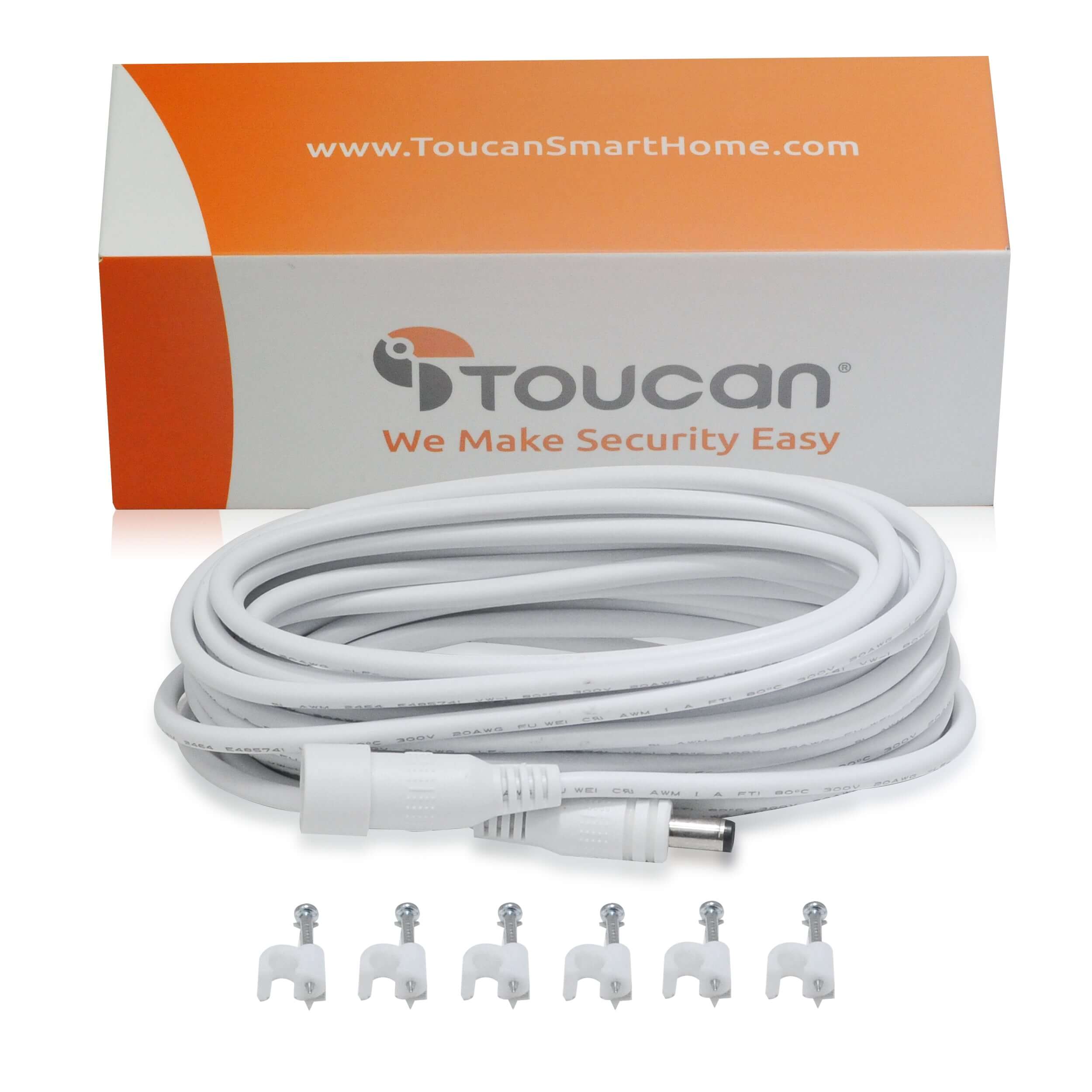
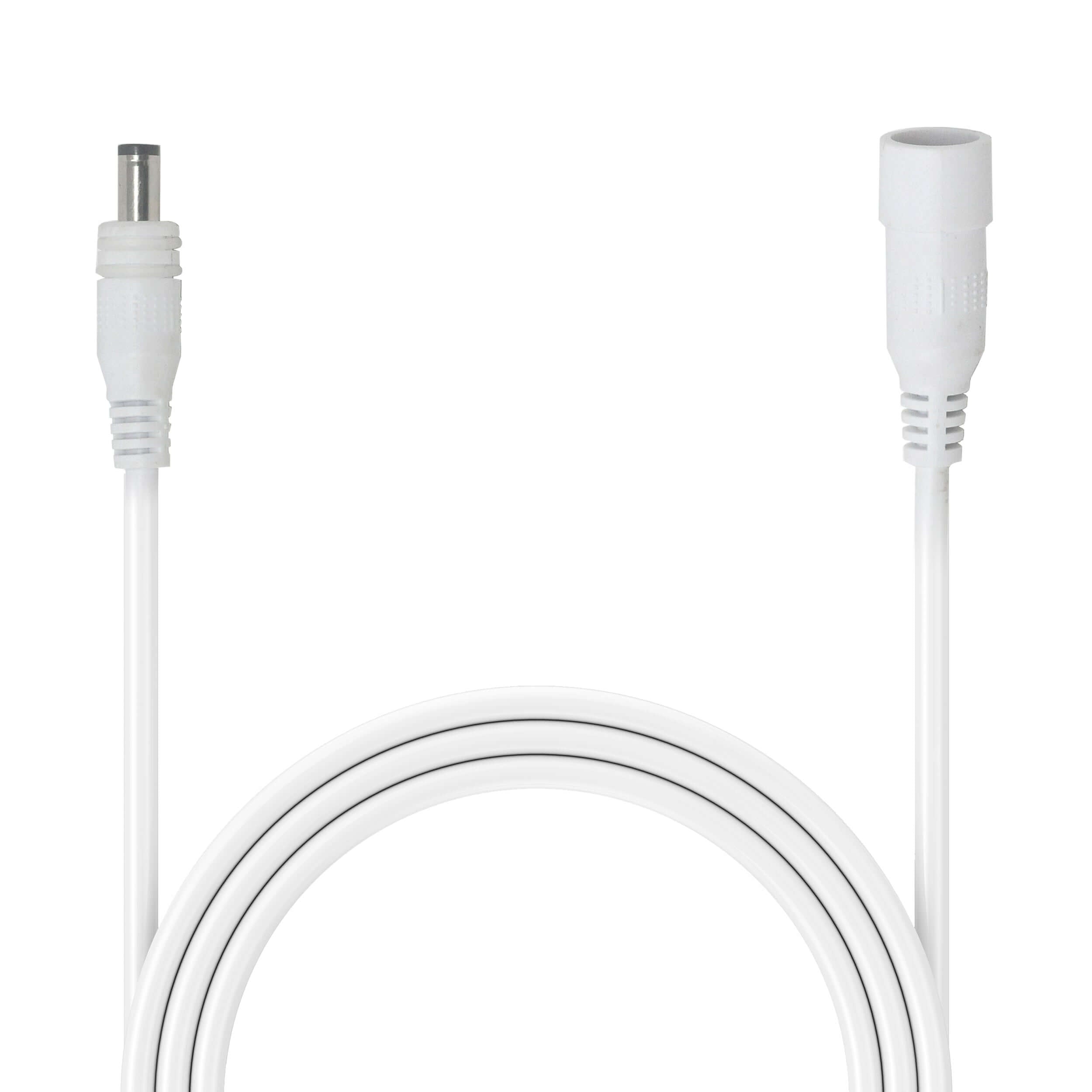
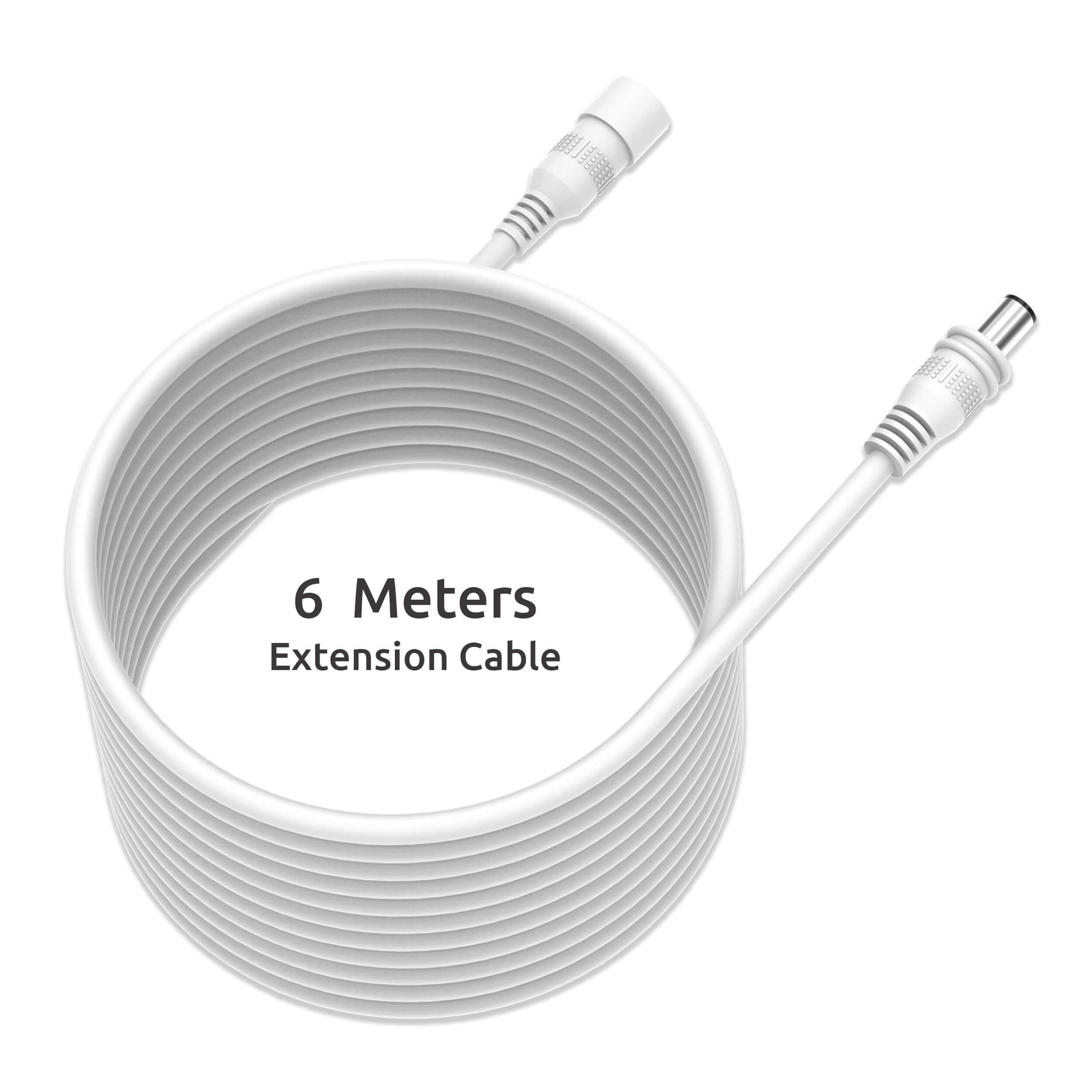
The Toucan floodlight security camera cable adds 6 meters of reach for a compatible Toucan Floodlight Security Camera. Use this extension accessory when your preferred camera position needs a longer cable route to the power connection.
More flexibility for outdoor placement
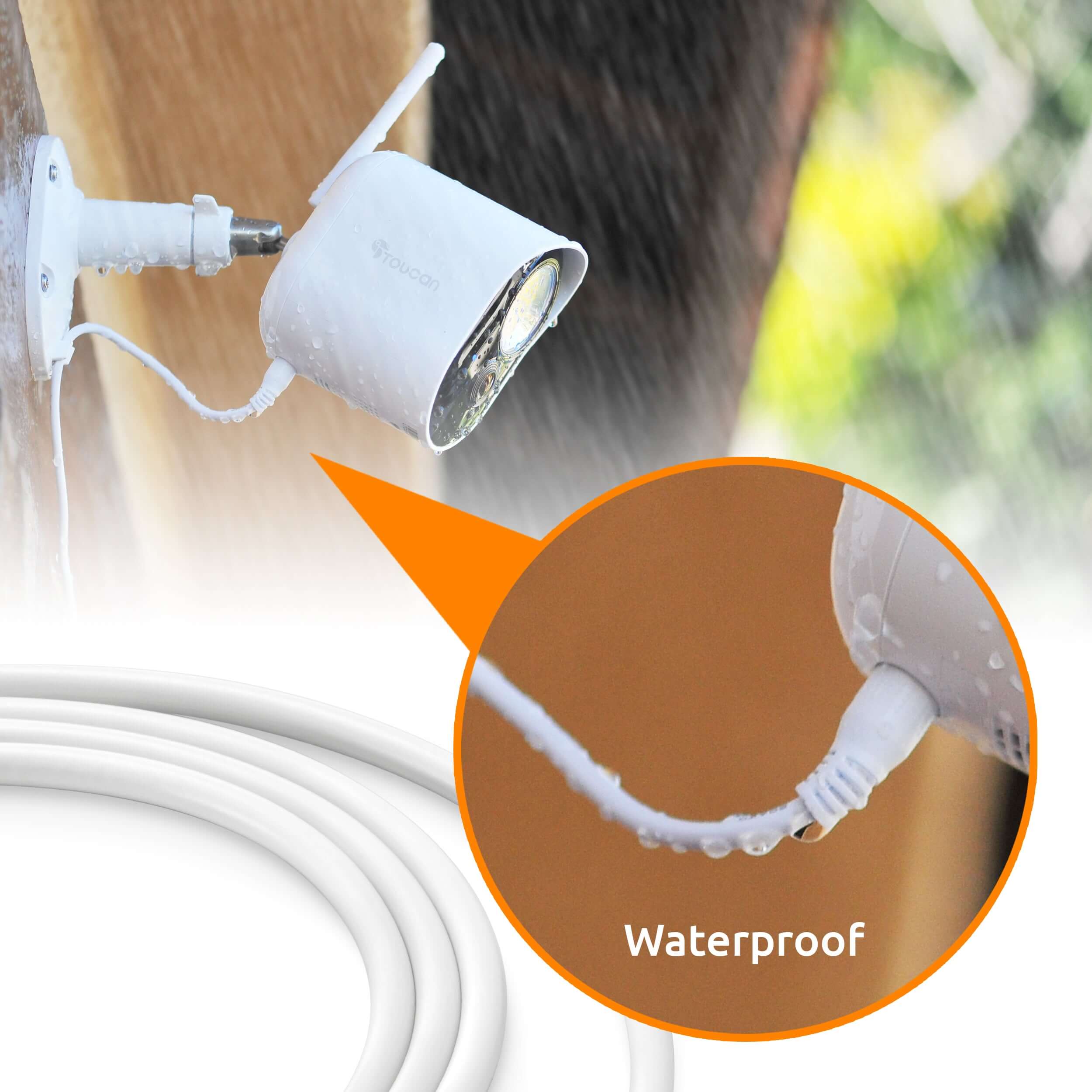
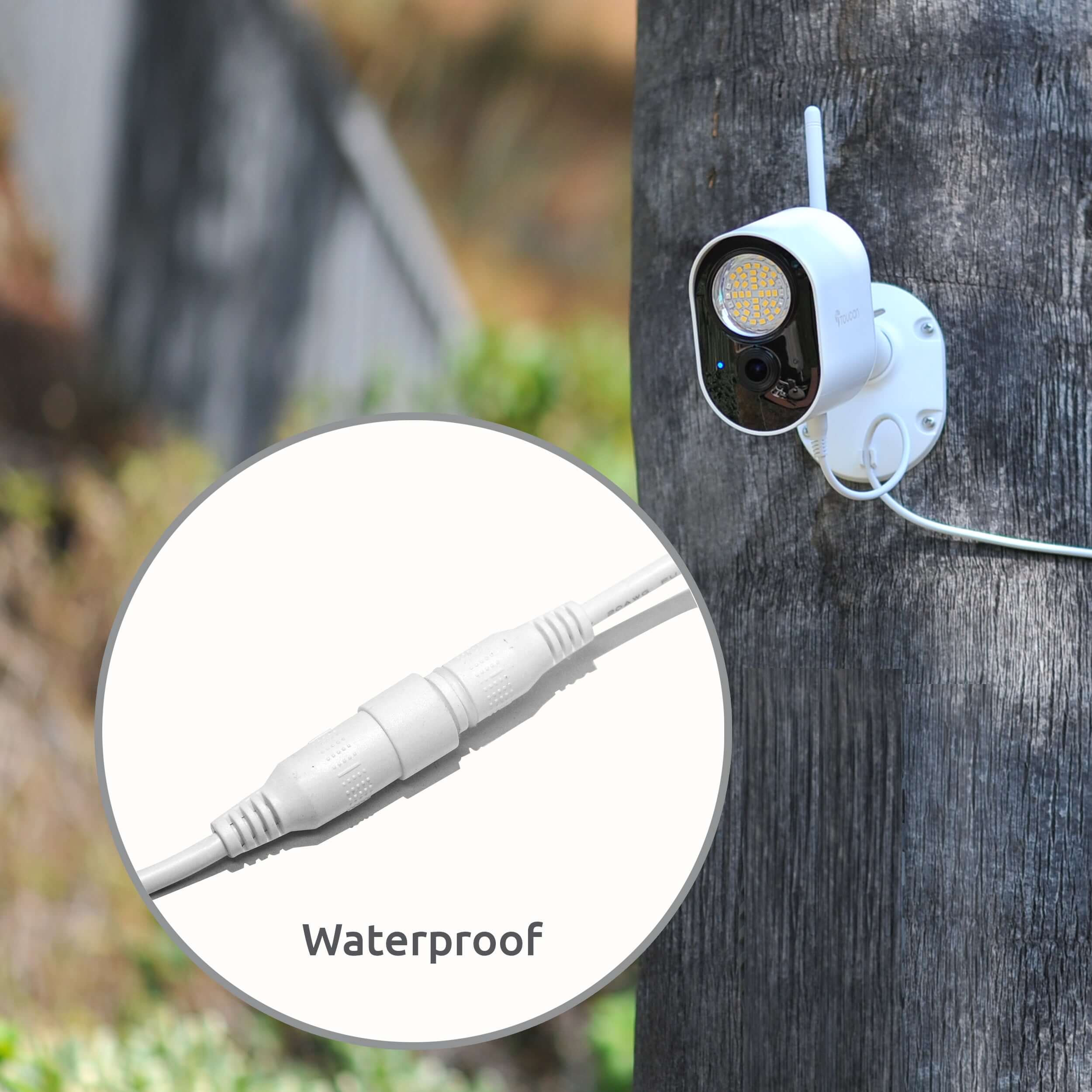
The cable is designed for outdoor camera installations and provides a weather-resistant connection when installed according to the product instructions. Plan the route around walls, corners and mounting points before ordering.
Check compatibility before installation
- Designed for the Toucan Floodlight Security Camera.
- 6-meter extension length.
- Accessory cable for extending the camera power connection.
Confirm your camera model and connector before purchase. Follow the installation guide for securing the cable and protecting connections from weather. This floodlight security camera cable does not make the camera battery-powered; the camera still requires its power connection.
Measure the complete cable path from the power connection to the planned camera position, including the distance around corners. Check that the route will not cross a walkway or interfere with doors or windows. Compare the required reach with the listed extension length before purchasing. If you are unsure about the connector or camera model, contact Toucan support before ordering the accessory.
Pairs well with
In stock! Ships within 1-2 business days.

30-day returns; terms apply
1-Year Warranty
Free standard shipping on $49+ to contiguous U.S.
Floodlight Security Camera Cable – Toucan 6m Extension
For product and order support, contact Toucan. Please include your product model or order number.
-
Shipping Information
View our Shipping & Delivery information for delivery areas and charges.
-
Customer Support
Visit Contact Toucan for product and order support.
-
FAQ’s
Find setup and product answers in our Frequently Asked Questions.
-
Contact Us
Visit Contact Toucan for product and order support.
Camera Extension Cable
The Toucan Security Light Camera can be easily installed in just a few minutes, and is powered from any electrical outlet for constant power. Just connect to your WiFi, mount it and power it, and you’re ready to go. You can even access the last 24 hours of recorded clips for free, or subscribe for additional cloud storage.


FAQs
Please read our FAQs page to find out more.
How to pair via QR code?
Please check out our video on how to pair our camera that is using QR Code to our Toucan Smart Home App.
Watch the how-to video here: https://youtu.be/Pk1gjAyNHk8
Why can't I connect my camera to Wi-Fi?
Our cameraonly supports 2.4 GHz Wi-Fi networks. Before setting up the camera, make sure yourphone is connected to a 2.4 GHz Wi-Fi. Many routers offer both 2.4 GHz and 5 GHz bands, so it's important to select the correct one.
How do I check if my phone is connected to a 2.4 GHz Wi-Fi?
📱 For iPhone (iOS):
Go to Settings > Wi-Fi.
Tap the connected Wi-Fi network (checkmark).
If the network name includes "5G" or "5GHz", it's likely a 5 GHz network.
Switch to a 2.4 GHz network (often labeled without "5G", like "MyWiFi" instead of "MyWiFi_5G").
📱 For Android:
Go to Settings > Connections > Wi-Fi.
Tap the connected network.
Look for the Frequency or Network details.
If it says 5 GHz, disconnect and select a 2.4 GHz option.
💡 Tip: Some routers merge both bands under one name. In this case, temporarily disable 5 GHz in your router settings or move farther from the router—phones often auto-connect to 2.4 GHz at longer range.
How do I pair the camera after connecting to a 2.4 GHz network?
1. Download the camera app from the App Store or Google Play.
2. Open the app and register or log in.
3. Follow the on-screen instructions to add a new device.
4. Make sure your phone remains on the 2.4 GHz Wi-Fi during setup.
5. Enter the Wi-Fi password when prompted.
6. Proceed with pairing—your camera will now connect to the network.
I am looking for a security camera made in the USA. Where are your products made?
We are a US Corporation based in So. Calif. Our security cameras are manufactured in Vietnam. However all other aspects are here in the USA, including our cloud servers and customer service.
Didn't find your answer?
Click the link below, and one of our agents will be happy to assist you!