

How to Choose a Wireless Doorbell Camera Before Holiday Delivery Season
The right doorbell camera for package deliveries should make it easier to see who is at your door, receive useful alerts and speak to a visitor from your phone. It should also fit your home, Wi-Fi connection and preferences about subscriptions.
Before holiday deliveries begin arriving, compare installation, app access, video quality, indoor chime options and what remains available without a paid monthly plan. That simple checklist can help you choose a doorbell you will continue using after the holidays are over.
Start With the Doorstep Moments You Want to Manage
A video doorbell cannot guarantee that every package will remain safe. What it can do is give you a clearer view of activity at your entrance and another way to respond when someone arrives.
Imagine that you are working upstairs when a delivery driver approaches. Perhaps you are picking up your children, visiting family or helping an older relative who cannot always reach the door quickly. A useful video doorbell should help you check the live view, receive an alert and speak through the doorbell without first rushing to the entrance.
Think about these everyday moments before comparing long feature lists. The best choice for your household is the one that supports the situations you are most likely to encounter.


Six Questions to Ask Before You Choose
1. Can it be installed without doorbell wiring?
A battery-powered model can be useful when you rent, do not have existing doorbell wiring or simply want a less complicated installation. Check the mounting location and make sure the camera will have an unobstructed view of the area where visitors normally stand.
2. Can you see and speak to visitors from your phone?
Look for live viewing, alerts and two-way communication. These features help you check an arrival and speak to a visitor even when answering the physical door is inconvenient.
3. What can you use without a subscription?
“No subscription required” should be examined carefully. Ask what the included plan actually provides and which capabilities are optional. Toucan’s current Basic offering includes live viewing, instant alerts, two-way communication and 24-hour event history without a required paid monthly subscription. Optional plans are available for households that want additional capabilities.
4. Will the doorbell be useful after dark?
Holiday deliveries can arrive after sunset, especially later in the year. Check for night vision and make sure nearby lighting does not create excessive glare. The Toucan V3 and V3D product pages currently specify 1080p HD video, night vision and an IP56 weather-resistance rating.
5. Do you want an indoor chime?
Phone notifications may be enough for some households. Others want an audible chime inside so children, guests or family members without the app can hear when someone presses the doorbell.
The Toucan V3D is designed as an app-first option and does not include an indoor chime. The Toucan V3 includes a wireless chime. This difference is worth deciding before you buy.
6. Does your Wi-Fi reach the front door?
A doorbell camera still needs a dependable connection. Test your signal while standing near the planned mounting location. The V3 and V3D currently require a 2.4 GHz Wi-Fi connection, so confirm that your home network provides compatible coverage at the entrance.

V3D or V3: Which Setup Fits Your Household?
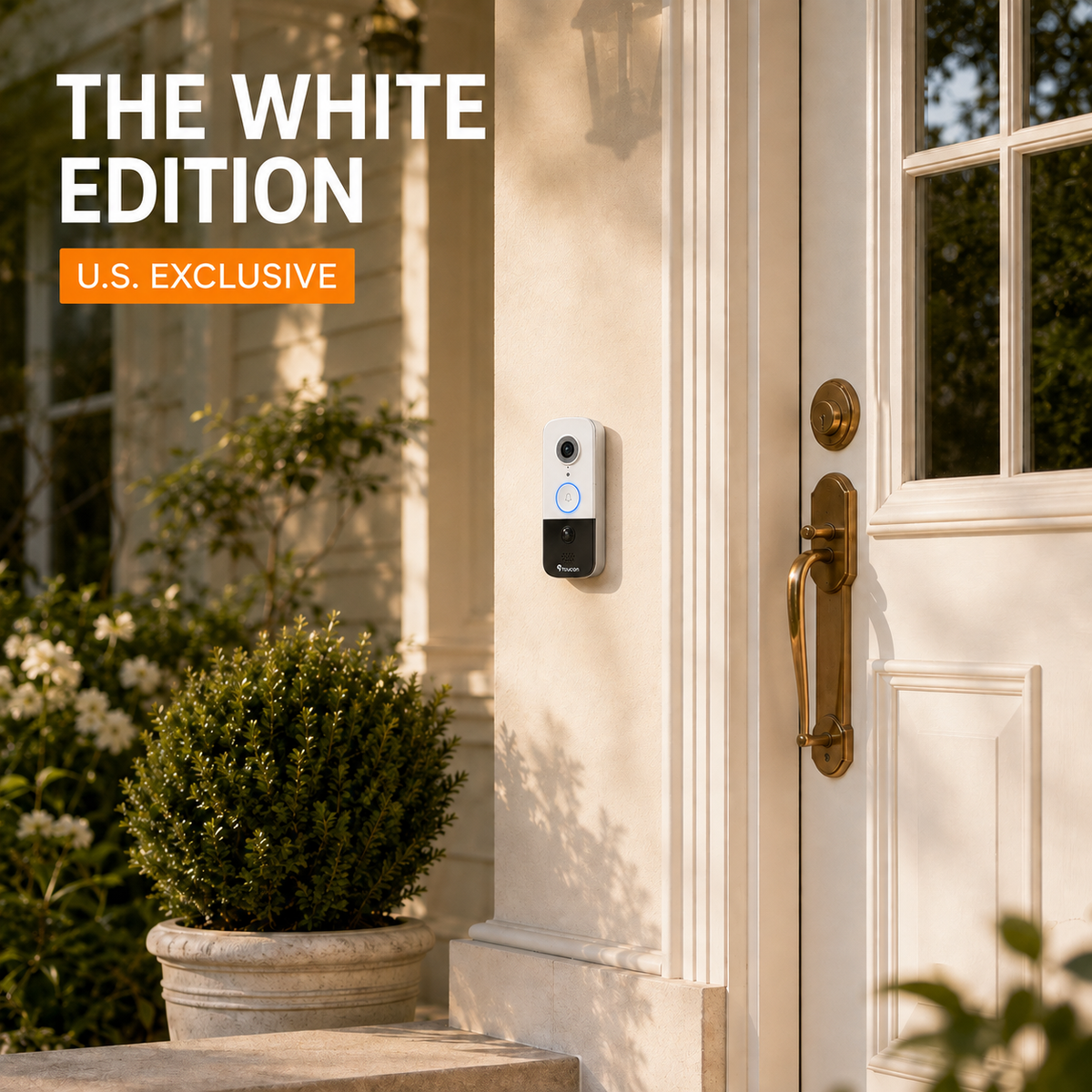
Choose the Toucan V3D if you want a battery-powered, app-first video doorbell and do not need an indoor chime included in the box.
Choose the Toucan V3 with Wireless Chime if you want the same type of front-door visibility while also giving people inside your home an audible way to hear when the button is pressed.
Both are designed for wireless installation without a separate hub. Rather than choosing based on the longest specification list, consider how your household will notice and answer visitors during an ordinary day.
Prepare Before Holiday Deliveries Increase
Install and test your doorbell before the busiest delivery weeks. That gives you time to adjust its position, learn the app and help other household members understand how notifications work.
- Test the 2.4 GHz Wi-Fi signal at the mounting location.
- Choose a position with a clear view of approaching visitors.
- Charge the battery fully before installation.
- Confirm that the appropriate household members receive alerts.
- Test live view, two-way communication and night vision.
- Review notification settings so important alerts remain useful.
- Check the battery periodically during high-traffic weeks.
A little preparation now can make holiday delivery days feel more manageable. You will know how to check the entrance, speak to a visitor and review recent activity before the front step becomes especially busy.
Frequently Asked Questions
Can I use a Toucan video doorbell without paying a monthly subscription?
Yes. Toucan’s current Basic offering includes live viewing, instant alerts, two-way communication and 24-hour event history without a required paid monthly subscription. Optional plans provide additional capabilities.
Does the Toucan V3D include an indoor chime?
No. The V3D is an app-first model and does not include an indoor chime. Choose the Toucan V3 if you want a wireless chime included.
Do the V3 and V3D require existing doorbell wiring?
They are battery-powered wireless doorbells and do not require existing doorbell wiring for standard installation. Always follow the current installation instructions supplied with the product.
What Wi-Fi connection do Toucan V3 doorbells use?
The current V3 and V3D specifications require a 2.4 GHz Wi-Fi connection. Test the signal near your front door before mounting the device.
Can a doorbell camera prevent package theft?
No doorbell camera can guarantee that a package will not be taken. It can provide alerts, live viewing, two-way communication and recent event history to help you stay more aware of activity near your entrance.
Share:
Toucan AI+ Basic Included Free: What You Get Without a Required Monthly Fee
Do Video Doorbells Need a Chime? How to Choose