
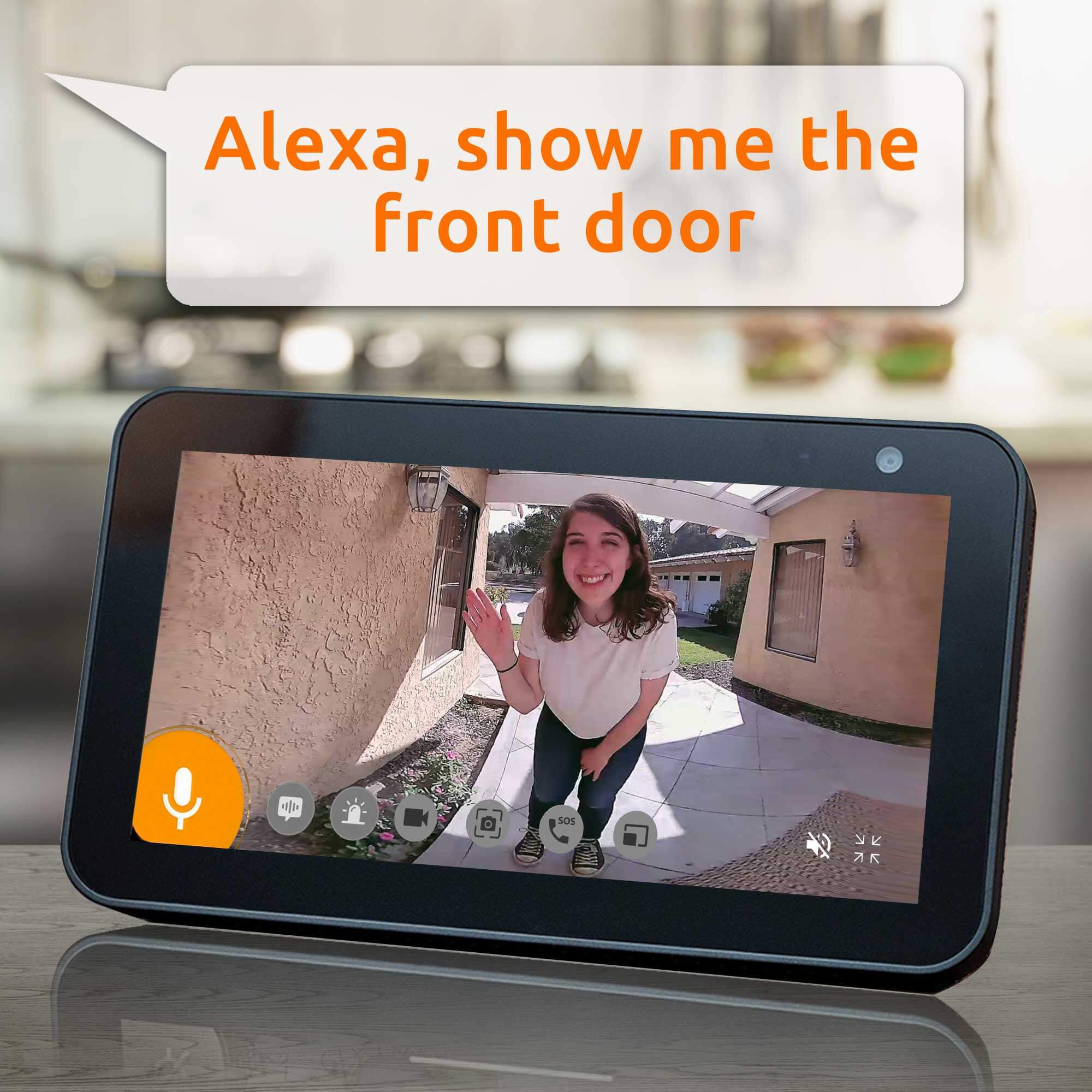
How To Connect Your Toucan Security Cameras to Amazon Echo Show - The Toucan Wireless Outdoor Camera and Wireless Video Doorbell is compatible with the Amazon Echo Show so you are able to view your live feed from where ever the Amazon Echo Show is located.
TO SET UP YOUR WIRELESS OUTDOOR CAMERA OR DOORBELL CAMERA WITH THE GOOGLE HOME, FOLLOW THE STEPS BELOW:
How To Connect Your Toucan Security Cameras to Amazon Echo Show - 1. Go to the "Amazon Alexa" app

How To Connect Your Toucan Security Cameras to Amazon Echo Show - 2. Go to Skills and search for "Toucan Home Security System"

How To Connect Your Toucan Security Cameras to Amazon Echo Show - 3. Select "Enable" for the Toucan Home Security System skill. Log into your Toucan app account and authorize access to link your Toucan Video Doorbell or Outdoor Camera


Share:
How To Connect Your Toucan Security Cameras to Google Home
Yahoo.com released an article about Toucan Announces Brand New Security Light Camera with Radar...