
Where Should You Install a Floodlight Security Camera? 6 Smart Places Around Your Home
The best floodlight camera location is not simply the darkest wall. It is the place where lighting, visibility and useful activity alerts can work together—such as a driveway, garage, side entrance, backyard or walkway.
Think in zones, not just cameras. Walk around your property after sunset and identify where people, vehicles, pets or deliveries move through areas that are difficult to see.
Start With One Question: Where Do You Need Both Light and Visibility?
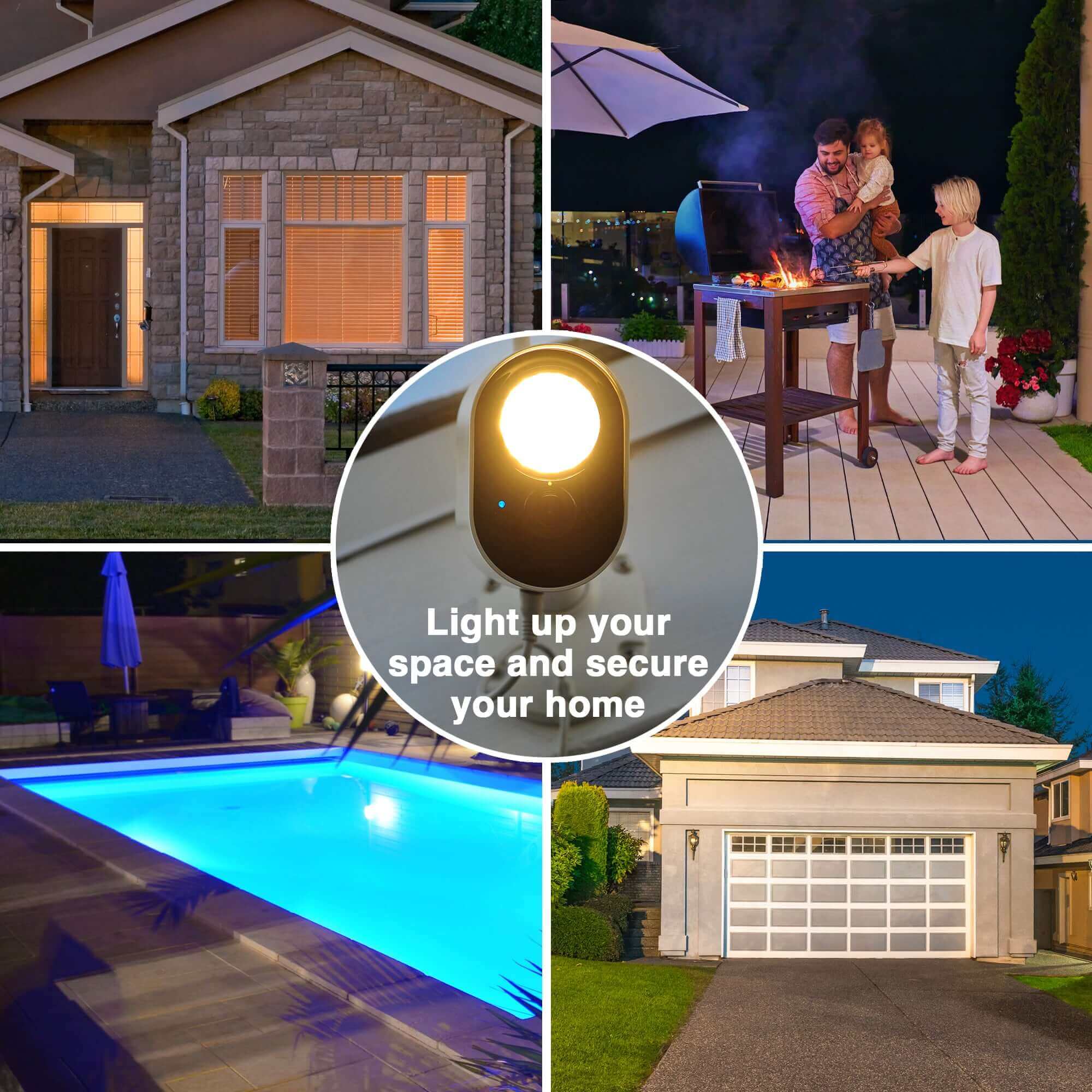
A regular security camera helps you monitor an area. A regular outdoor light helps you illuminate it. A Toucan Floodlight Security Camera is most useful where you want both.
Toucan currently identifies these as ideal Floodlight use cases because they combine nighttime visibility with important activity around the home.
1. Driveway: See Vehicles and Arrivals More Clearly
The driveway is one of the strongest places for a floodlight security camera because it is both an access route and an evening arrival zone.
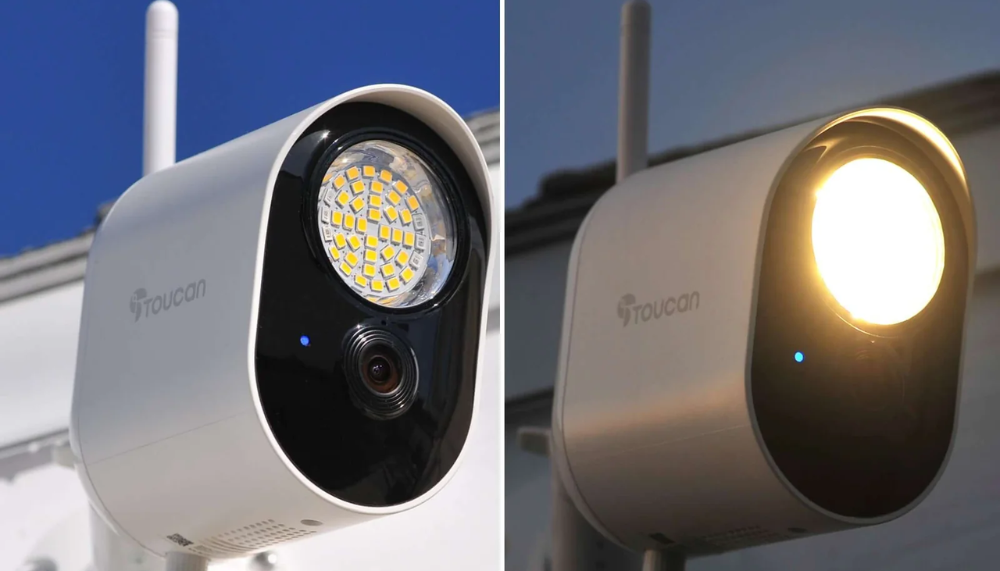
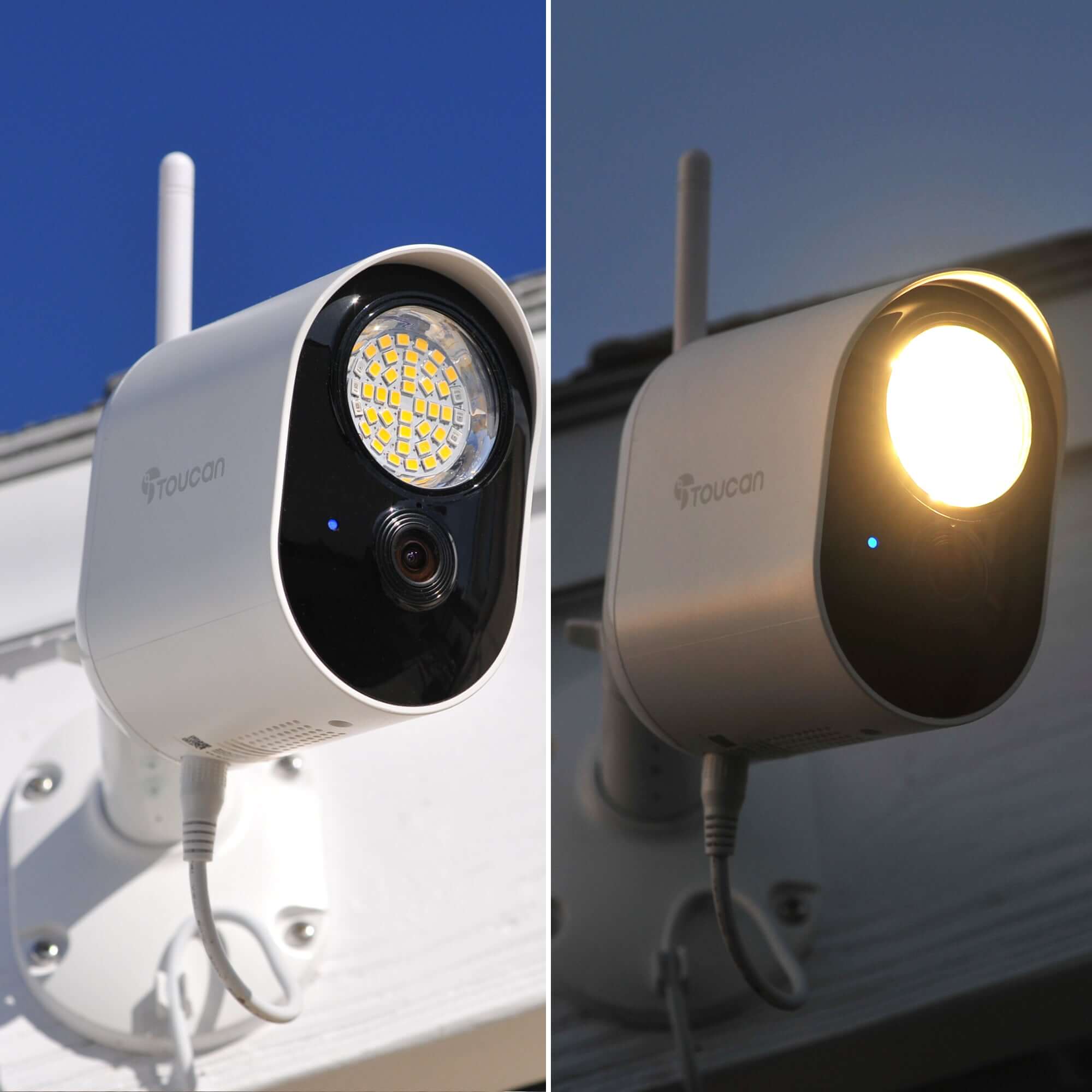
When a vehicle pulls in after dark, the Toucan Floodlight can add up to 1200 lumens of adjustable outdoor light while the camera provides 1080p Full HD video and a 146° wide-angle view.
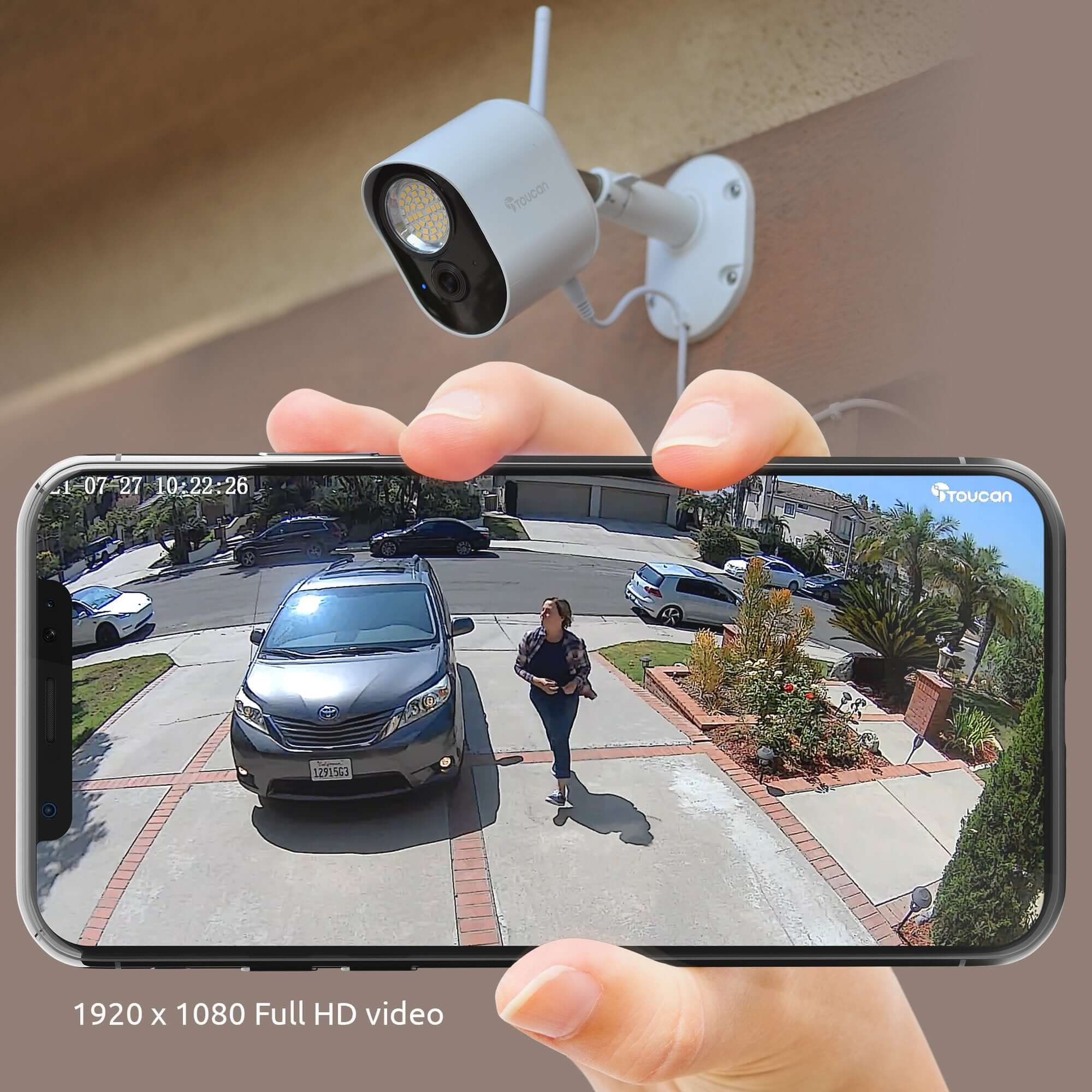
Why a driveway is a strong location
- Vehicles commonly arrive after sunset
- Driveways often lead directly to the garage or home
- Lighting helps improve nighttime visibility
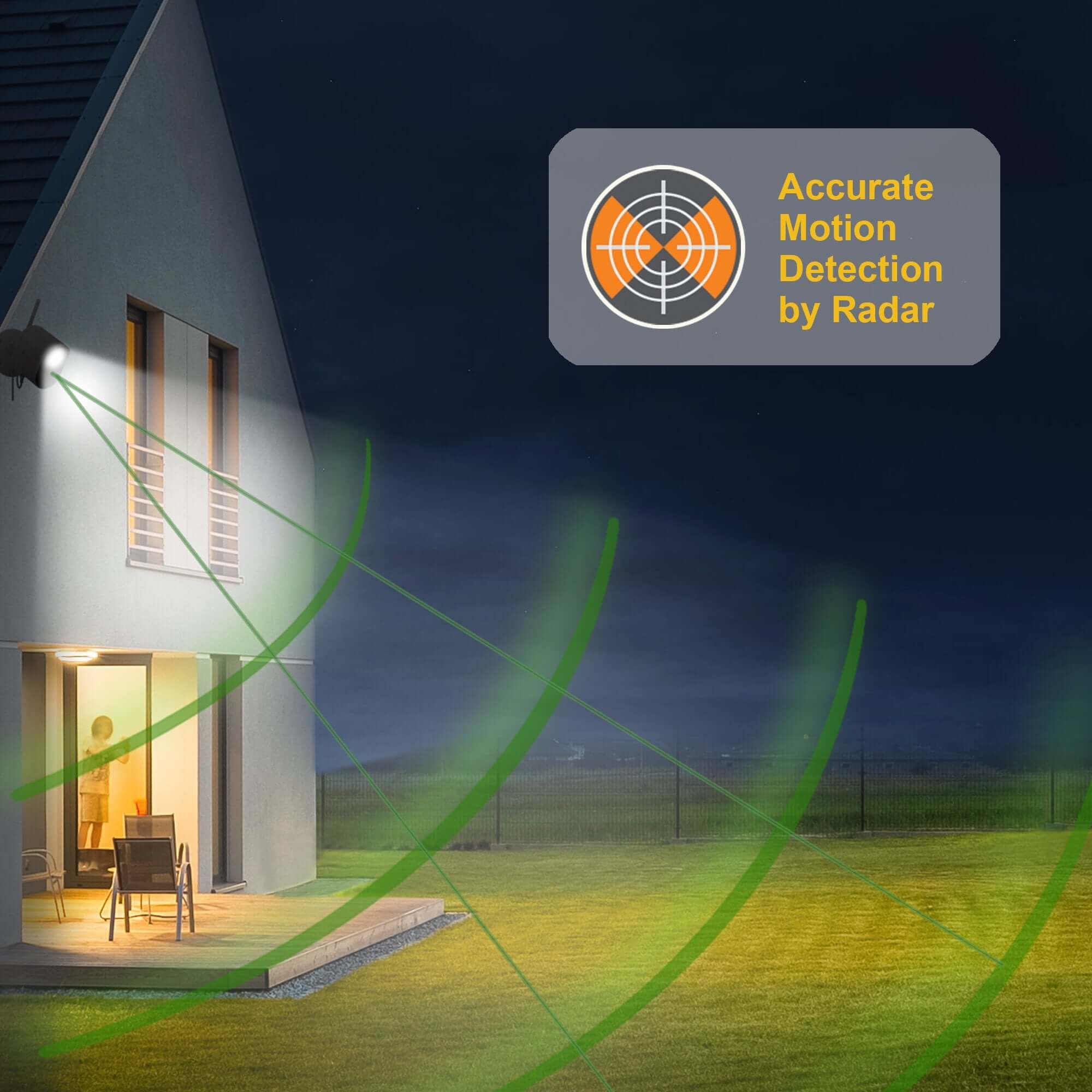
- Radar motion detection adds activity awareness
- Custom motion zones can focus on the driveway area
- Two-way talk provides another response option
This is the heart of Toucan's fall message: the driveway lights up, the car arrives, and home feels a little more welcoming.
2. Garage: Add Light Around Another Important Access Point
Attached and detached garages can hold vehicles, tools, bikes, equipment and other belongings. They are also common transition areas between the outside and the home.
A Floodlight Camera near a garage can improve illumination around the approach while keeping video monitoring available through the Toucan Smart Home app.
Attached Garage
Useful for monitoring the driveway approach, garage door area and evening arrivals close to the main house.
Detached Garage
Can add visibility to a structure that may sit farther from the home's main exterior lighting—provided power and Wi-Fi reach the planned location.
3. Side Entrance or Side Gate: Cover the Area People Forget
Side yards are often less visible from inside the home and may receive less ambient light than the driveway or front porch.
That makes a side gate, side entrance or narrow walkway a practical place for lighting plus video monitoring.
Placement idea
Aim the camera so the important approach or gate sits clearly inside the camera view rather than using the widest possible area simply because it is available.
Customizable motion zones can then help concentrate supported motion detection on the path, gate or entry zone you care about.
4. Backyard: Keep Outdoor Family Space Visible After Sunset
Backyards remain active after dark. Pets go outside. Children move between the house and yard. Family members use outdoor seating, grills and play areas.
A floodlight security camera can add practical illumination while also giving you a connected view of backyard activity.
5. Patio or Outdoor Living Area: Use the Light as Part of Everyday Home Life
Not every floodlight camera placement has to feel like a security perimeter.
A patio or outdoor living area can benefit from brighter practical lighting while the camera remains available for live viewing, event recording and two-way communication.
This is an important part of the September story: outdoor security can also make everyday home life easier and more comfortable as nights get longer.
6. Dark Walkways and Outdoor Blind Spots
Walkways between the driveway and house, narrow passages, corners beside the garage and other low-light routes can be easy to overlook during the day.
Walk the property after sunset. Areas that feel significantly darker than the rest of the home may be strong candidates for a device that combines lighting and monitoring.
Before You Mount It: Check These 5 Things
A strong location is not useful if the camera cannot maintain power, Wi-Fi or the view you intended.
1. Confirm Outlet Access
The Toucan Floodlight uses continuous electrical-outlet power and includes an 8-meter weather-resistant power cable.
2. Confirm 2.4 GHz Wi-Fi
The current Floodlight connects to compatible 2.4 GHz Wi-Fi and is not designed for a 5 GHz-only network.
3. Check the Actual View
Make sure the driveway, gate, patio or walkway you care about is clearly visible before permanently securing the mount.
4. Test the Motion Area
Walk through the planned detection zone and refine motion settings so the camera focuses on useful activity.
5. Respect Privacy
Position cameras toward your own property and important access areas while avoiding private or inappropriate neighboring spaces.
Bonus: Think About Nighttime Glare
Review the live view after dark to make sure nearby reflective surfaces or strong lights are not interfering with the scene you want to monitor.
How Many Floodlight Cameras Does a Home Need?
There is no single correct number. Start with the areas where bright nighttime coverage provides the most value.
| Coverage Goal | Possible Starting Point | Example Areas |
|---|---|---|
| One priority dark area | 1 Floodlight Camera | Driveway or garage |
| Front + rear exterior lighting | 2 Floodlight Cameras | Driveway + backyard |
| Broader powered outdoor coverage | 3 Floodlight Cameras | Driveway + backyard + side entrance |
Toucan also offers multi-packs for households that need the same type of powered outdoor protection in several areas.
Floodlight Camera or Wireless Camera: Which Placement Needs Which Device?
Not every outdoor location needs a Floodlight Camera.
Choose a Floodlight Camera When...
The area is dark, you want substantial illumination, and a compatible electrical outlet is available within practical cable reach.
Choose a Wireless or Solar Camera When...
You need more flexible placement where bright floodlighting or continuous outlet power is not the priority.
A whole-home setup can combine different device types rather than forcing one camera style into every location. Toucan's Whole Home Protection approach is built around matching the device to the area.
AI+ Basic Adds More Context to the Location You Choose
Physical placement determines what the camera can see. Smart detection helps make those events easier to understand.
Toucan AI+ Basic is included free with the Floodlight, providing enhanced identification designed to help distinguish between supported activity such as people, animals and packages.
Across current Toucan plans and compatible devices, supported AI alerts can also include people, vehicles, pets and packages. Exact feature availability can vary by device, app version, plan, region, placement and conditions.
For a driveway, the combination of lighting + radar motion + video + supported vehicle alerts can provide much more useful context than a traditional motion light by itself.
No Required Monthly Fee for Essential Monitoring
The current Toucan Floodlight includes essential camera use and 24-hour video-event history without requiring a paid subscription.
Optional Toucan Shield plans are available for households that want longer history, additional storage, more users or expanded AI+ capabilities.
This means you can focus first on choosing the right physical coverage around your home, then decide later whether an upgraded plan would add value for your household.
Frequently Asked Questions
Where is the best place to install a floodlight security camera?
Strong locations include driveways, garages, backyards, patios, side entrances and walkways—especially areas where both outdoor lighting and video monitoring would be useful.
Does the Toucan Floodlight need electrical power?
Yes. It uses continuous power from a standard electrical outlet and includes an 8-meter weather-resistant power cable.
Can I put a Floodlight Camera far from my router?
The planned location needs a usable compatible 2.4 GHz Wi-Fi connection. Test connectivity at the intended installation area before permanently mounting the camera.
Can I adjust what area triggers motion alerts?
Yes. The current Toucan Floodlight supports customizable motion zones to help focus supported detection on the areas that matter most.
Can I use more than one Floodlight Camera?
Yes. Toucan offers Floodlight multi-packs for homes that need similar bright, powered monitoring across several outdoor areas.
Does the Floodlight require a monthly subscription?
No paid subscription is required for essential camera use and included 24-hour video-event history. Optional plans add longer history and expanded features.
Start With the Darkest Important Area.
Walk your home after sunset, identify where lighting and visibility matter most, and choose the Toucan coverage that fits your space.
Shop Floodlight Security Cameras
Share:
Longer Nights. Warmer Welcomes: Why a Floodlight Security Camera Makes Sense for Fall
Toucan AI+ Basic Included Free: What You Get Without a Required Monthly Fee