


Product highlights

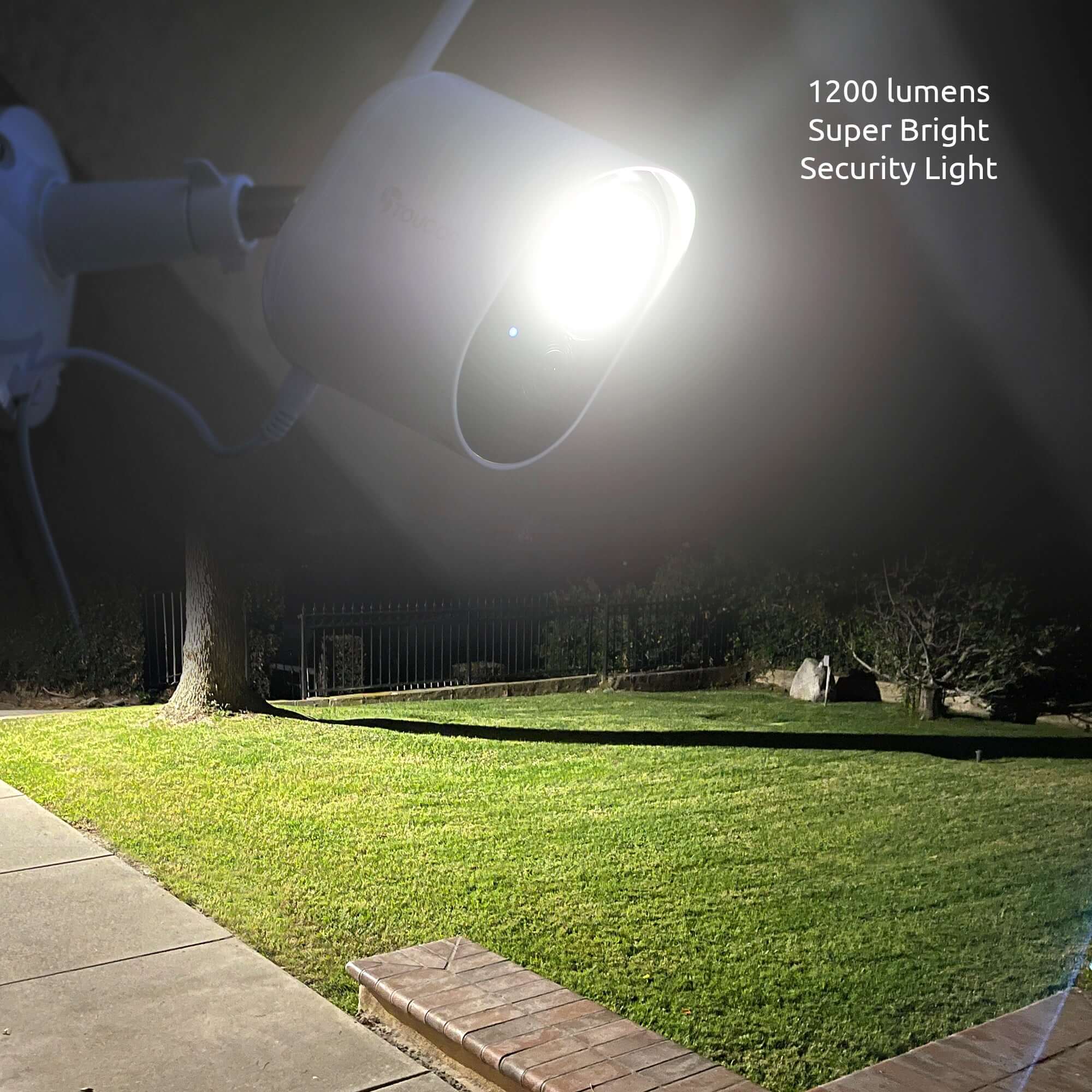
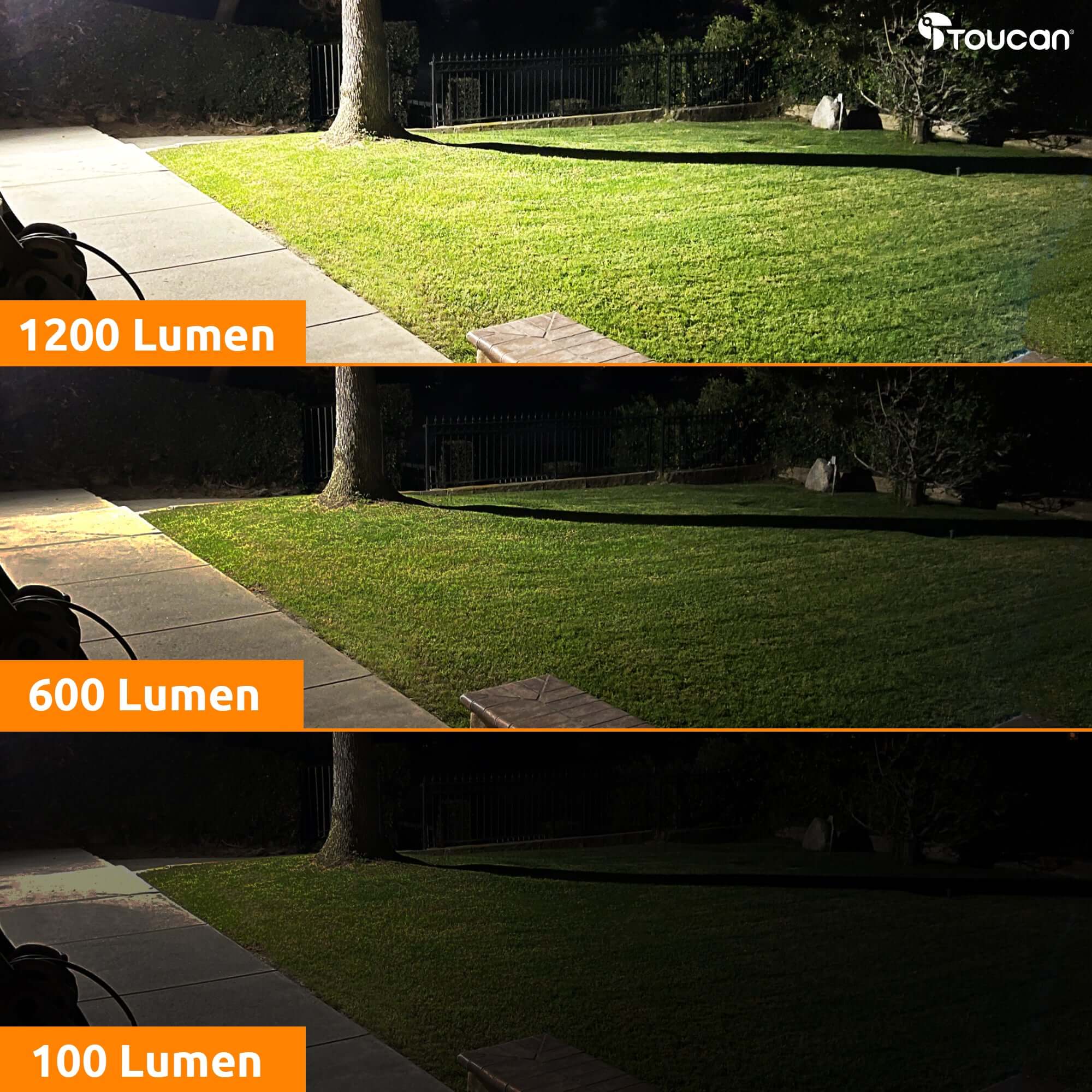
Super Bright 1200Lm

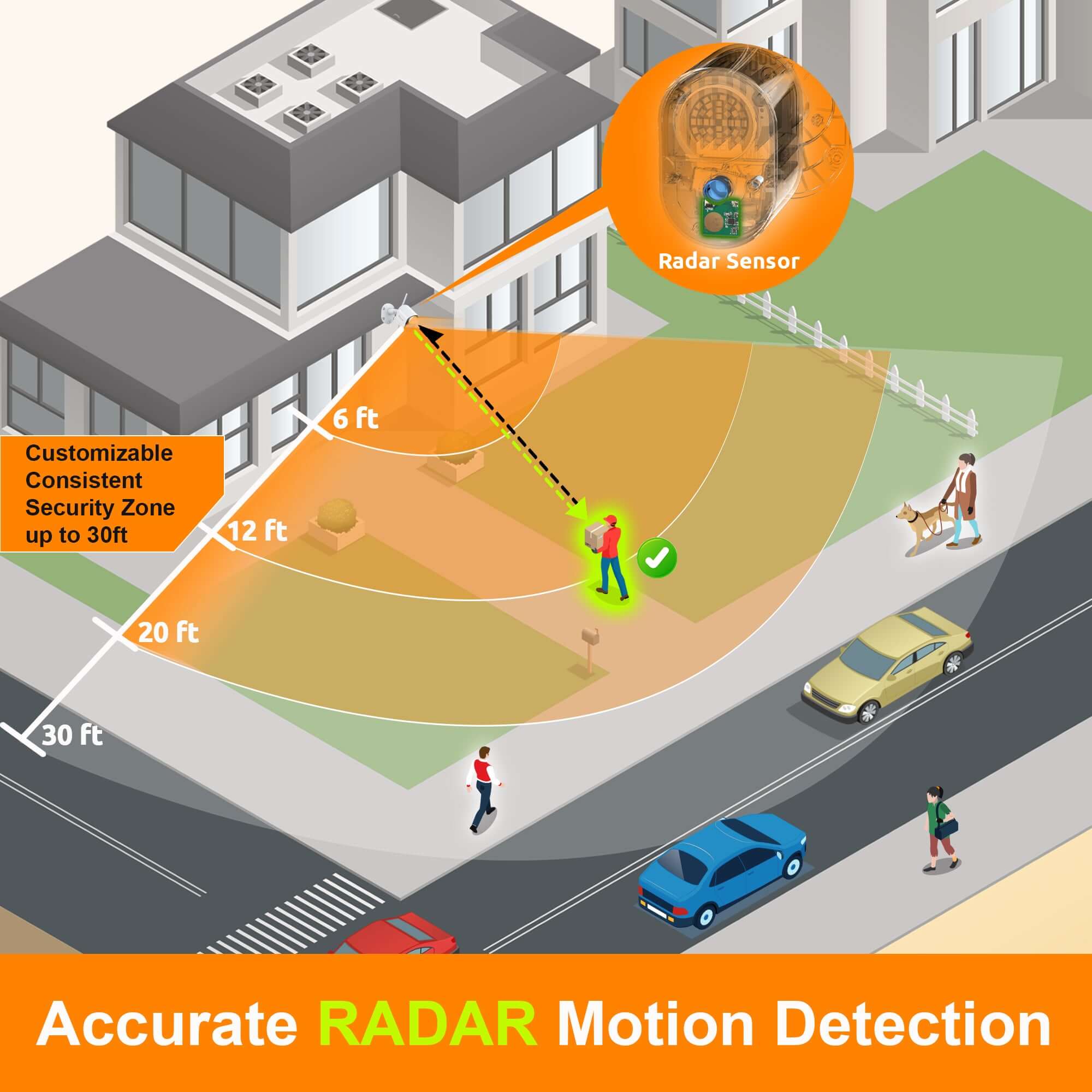
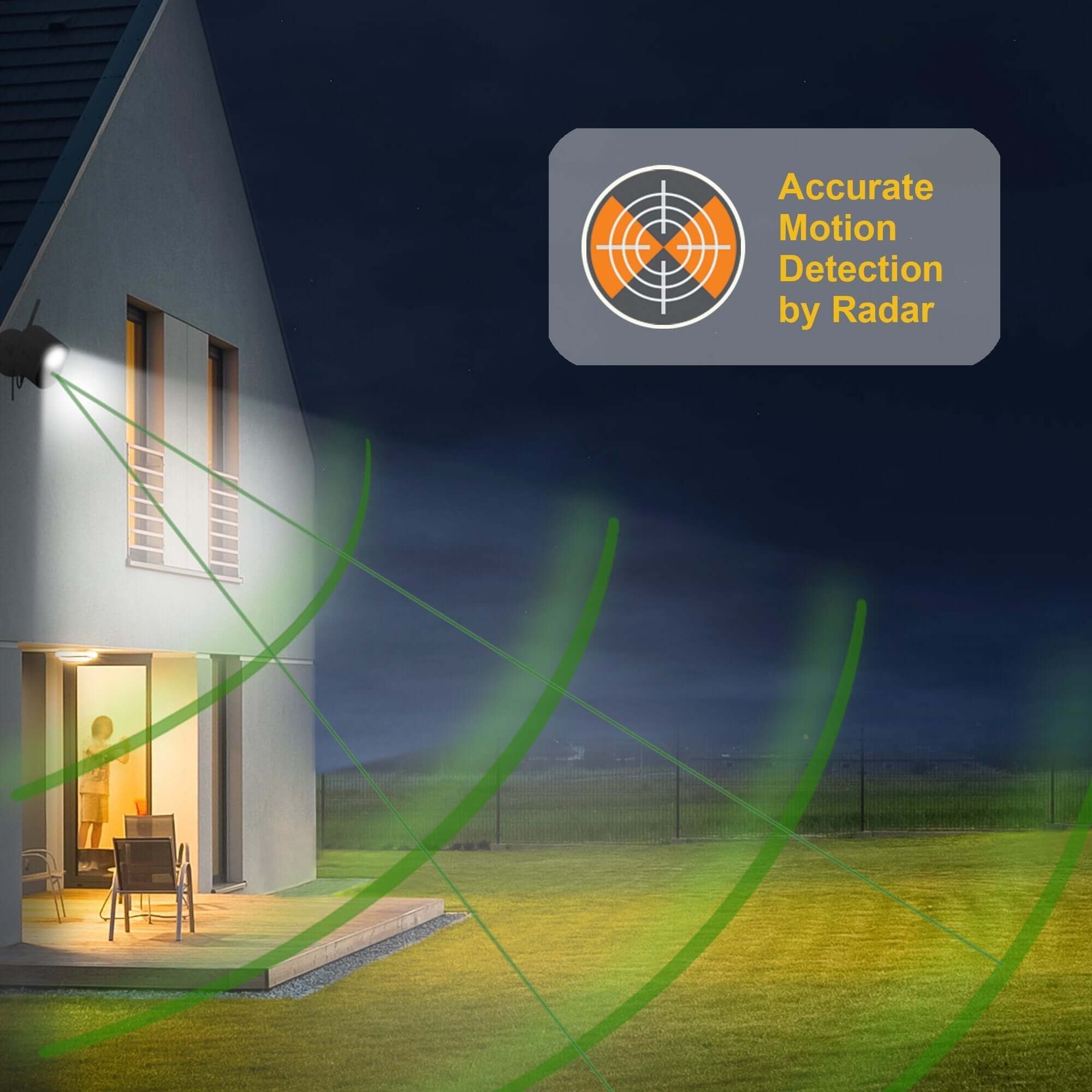
Radar Motion Detection

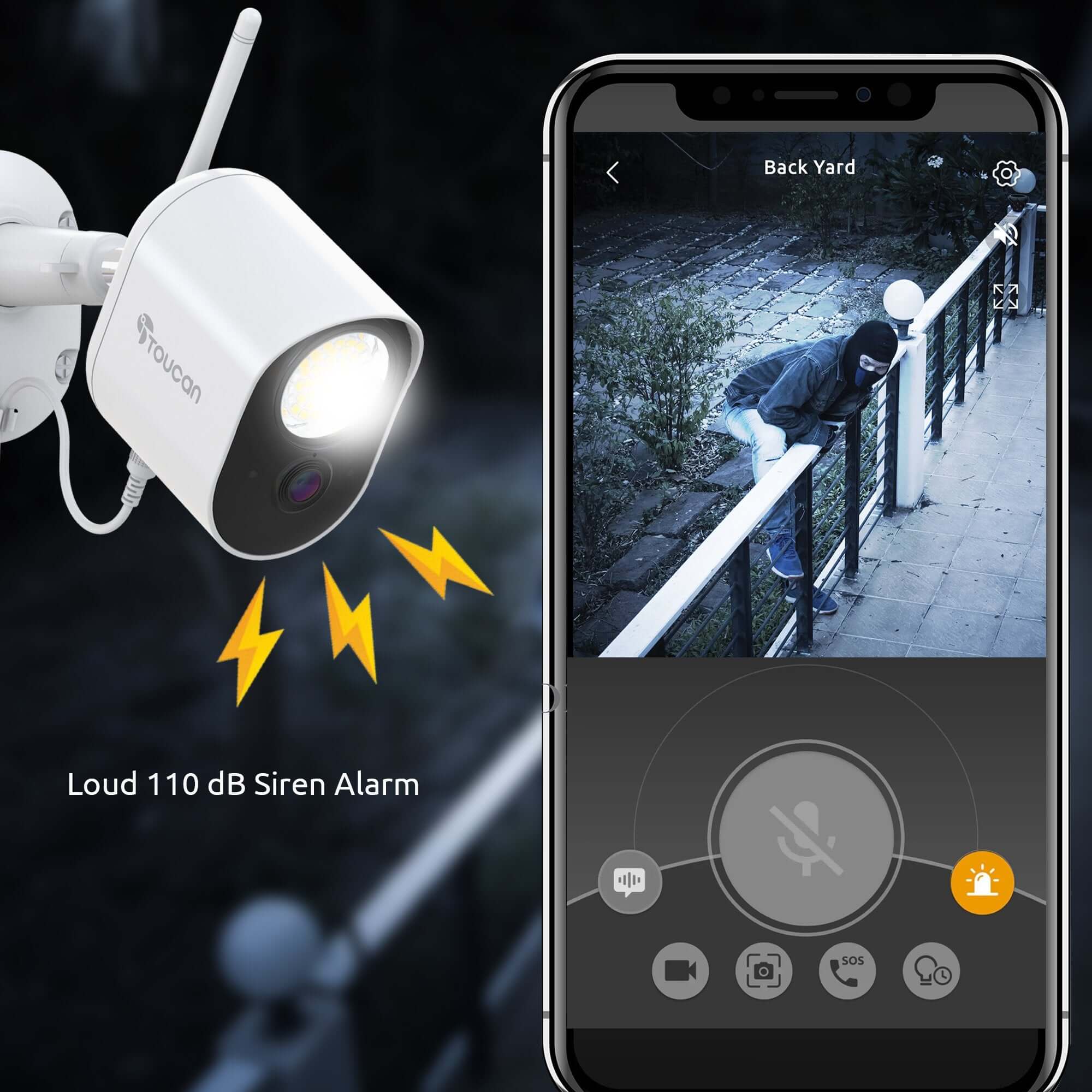
110dB Siren

Night Vision

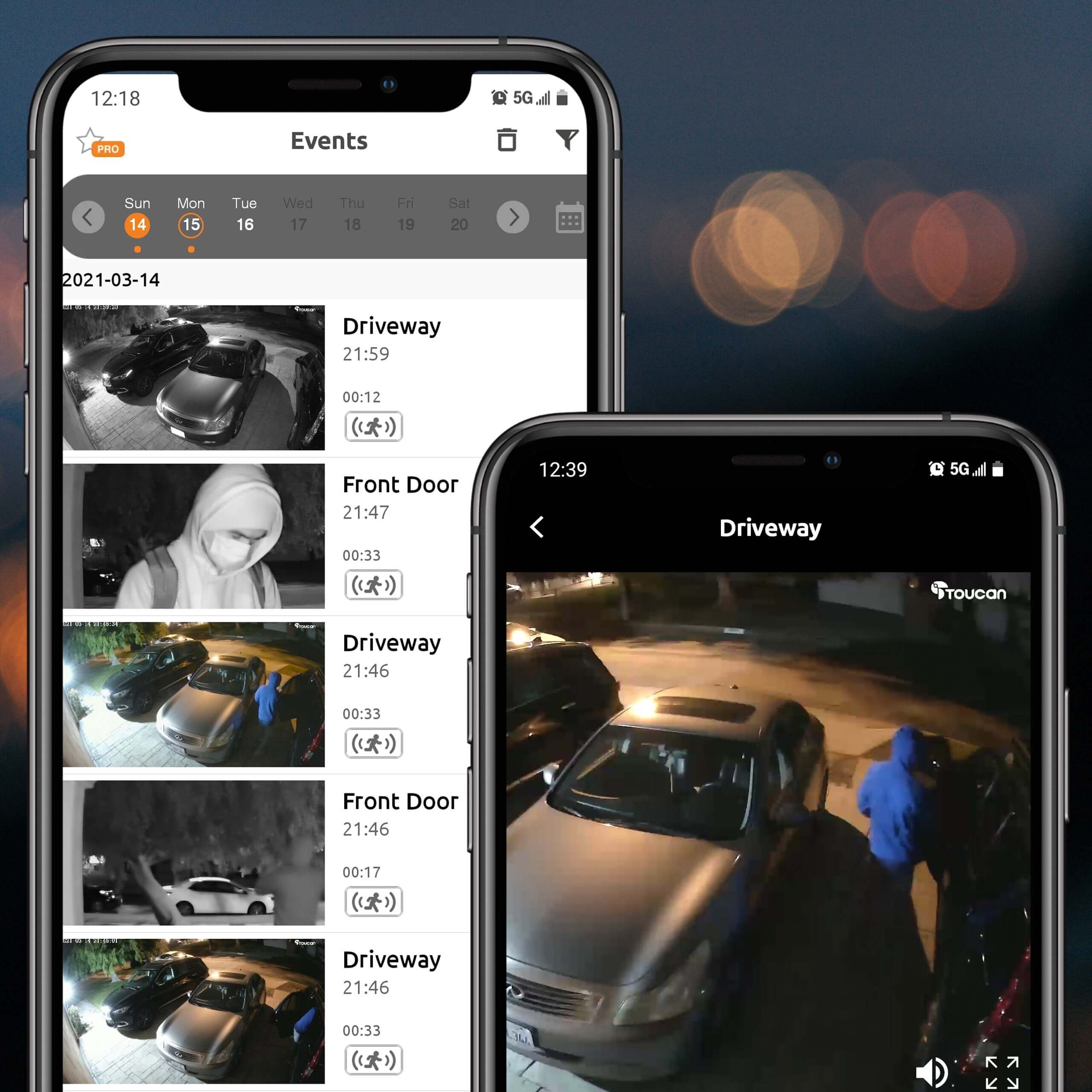
Video History

Video Encryption
Floodlight Security Camera 2-Pack – Toucan 1080p HD
Sale price$99.00Regular price
$179.99
SKU: TSLC10WU2PK
Bright Lighting and Connected Monitoring for Two Outdoor Areas
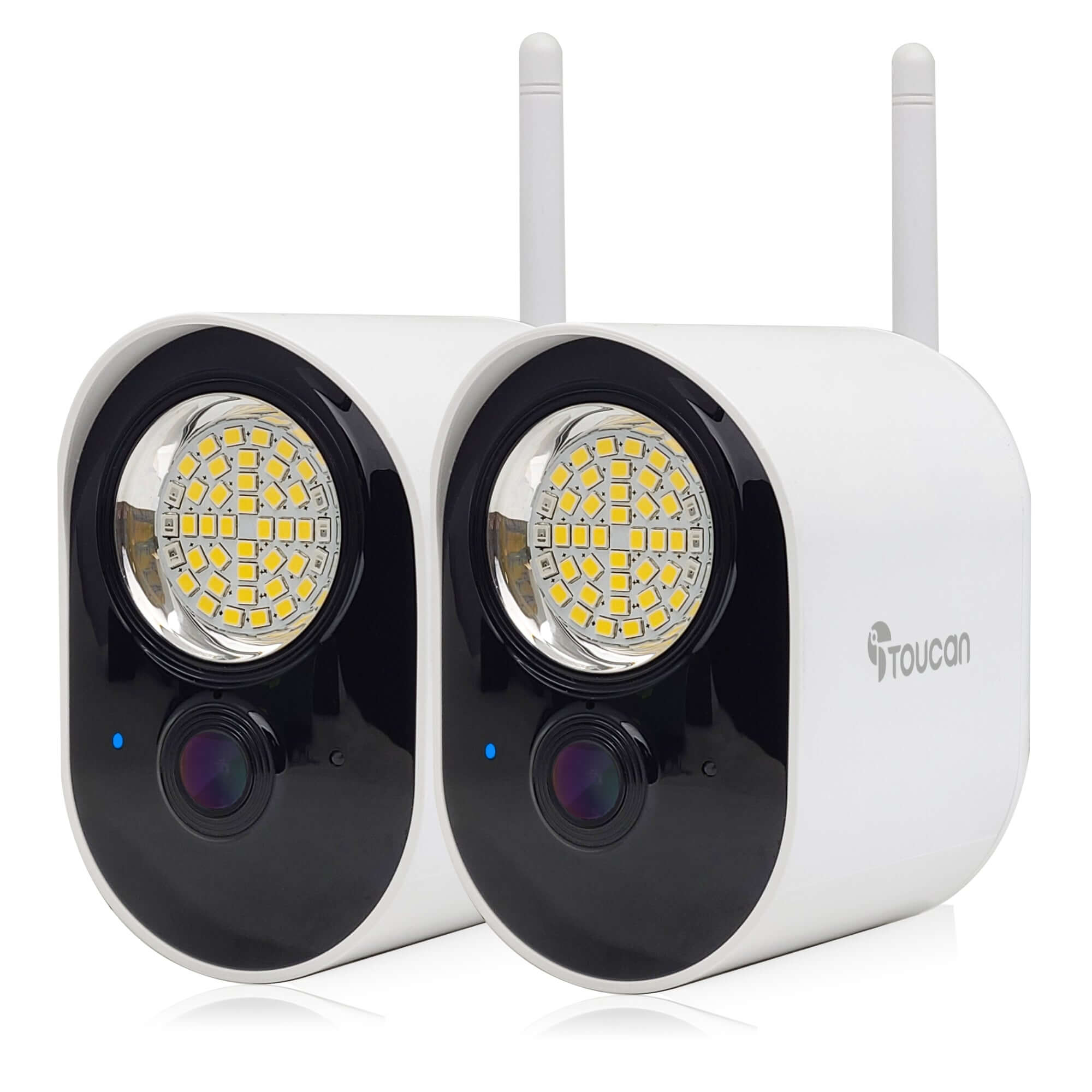
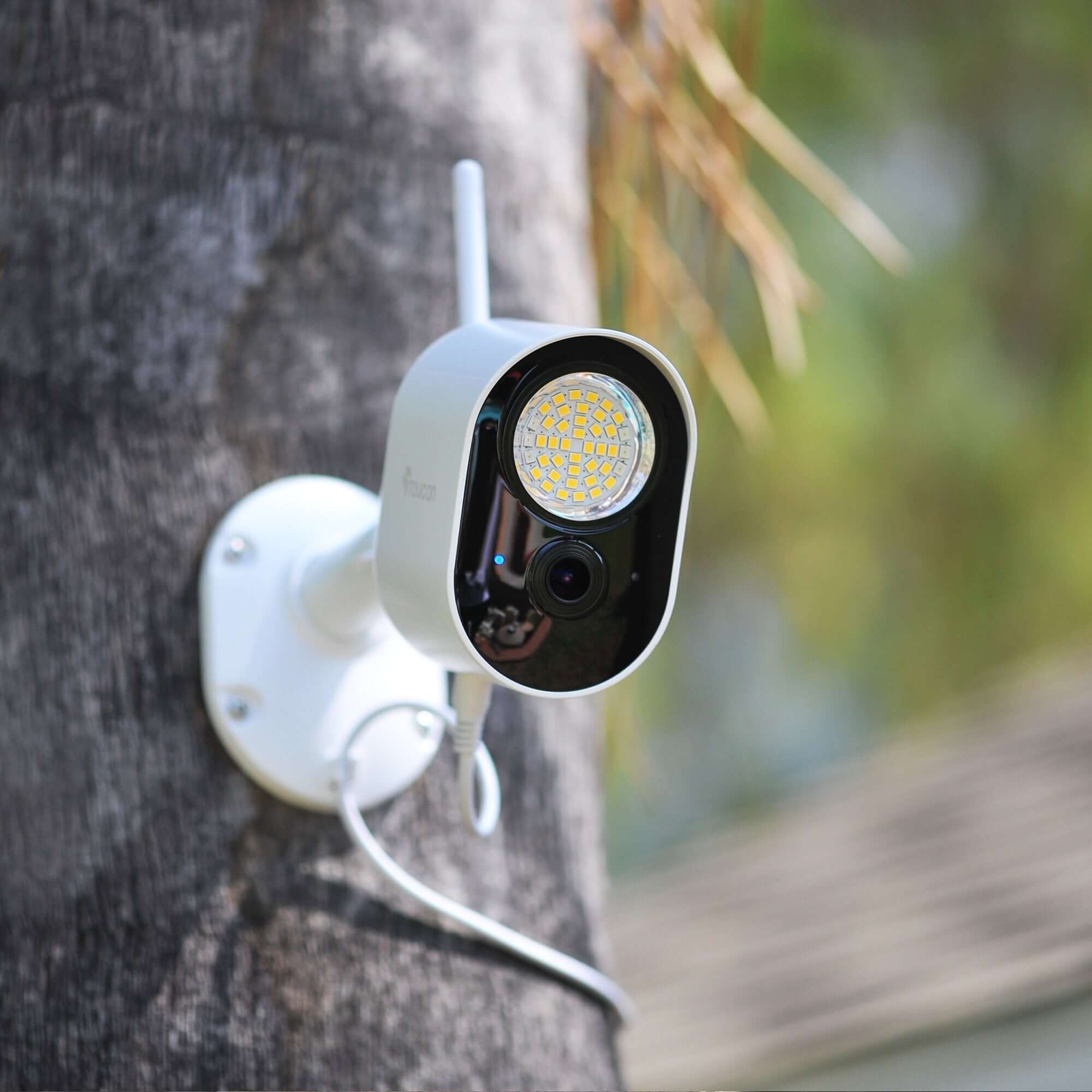
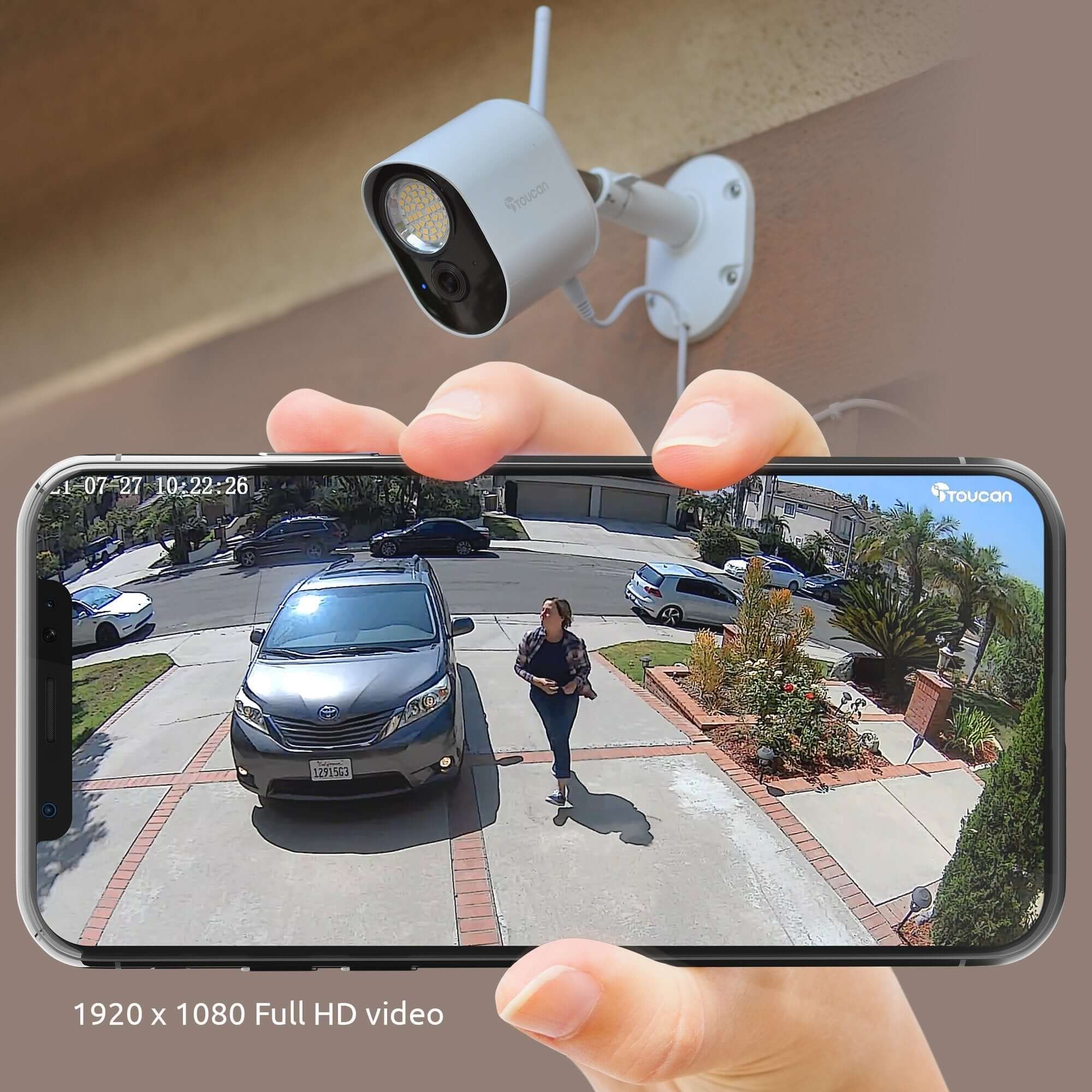
Light and monitor two important areas around your home with the Toucan Floodlight Security Camera 2-Pack. Each camera combines clear 1080p Full HD video, powerful 1200-lumen LED lighting and accurate radar motion detection for improved visibility and awareness—day or night.
Connect each camera to Wi-Fi and use the free Toucan Smart Home app to view live video, receive activity alerts and manage your outdoor monitoring from virtually anywhere. The weather-resistant design makes these cameras suitable for outdoor areas such as driveways, backyards and side entrances.
No monthly subscription is required for essential features, making this an easy way to add lighting and video monitoring without mandatory ongoing fees.
Key Features:
- Two Toucan Floodlight Security Cameras
- 1080p Full HD video
- 1200-lumen LED lighting on each camera
- Accurate radar motion detection
- Live viewing and activity alerts through the Toucan Smart Home app
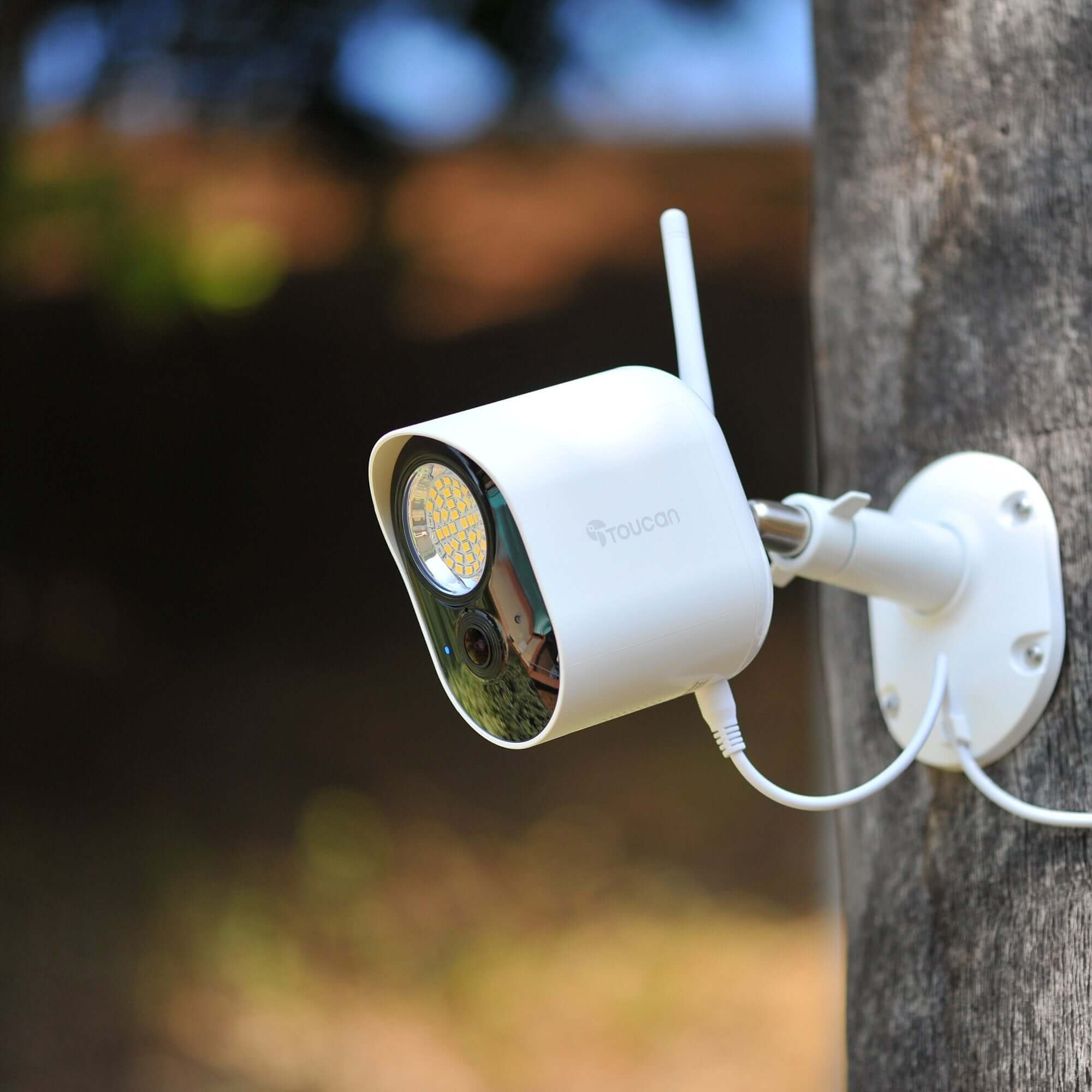
- Weather-resistant outdoor design
- Wi-Fi connectivity
- Works with Amazon Alexa
- No hub required
- No monthly subscription required for essential features
Ideal For:
- Front yard and driveway coverage
- Backyard and side-entrance monitoring
- Monitoring two separate outdoor areas
- Homes needing lighting and video security in one system
Product highlights
Super Bright 1200Lm
Radar Motion Detection
110dB Siren
Night Vision
Video History
Video Encryption
In stock, ready to ship
Pairs well with
In stock! Ships within 1-2 business days.

30-day returns; terms apply
1-Year Warranty
Free standard shipping on $49+ to contiguous U.S.
Floodlight Security Camera 2-Pack – Toucan 1080p HD
Sale price$99.00Regular price
$179.99
For product and order support, contact Toucan. Please include your product model or order number.
-
Shipping Information
View our Shipping & Delivery information for delivery areas and charges.
-
Customer Support
Visit Contact Toucan for product and order support.
-
FAQ’s
Find setup and product answers in our Frequently Asked Questions.
-
Contact Us
Visit Contact Toucan for product and order support.

Security FloodLight Camera
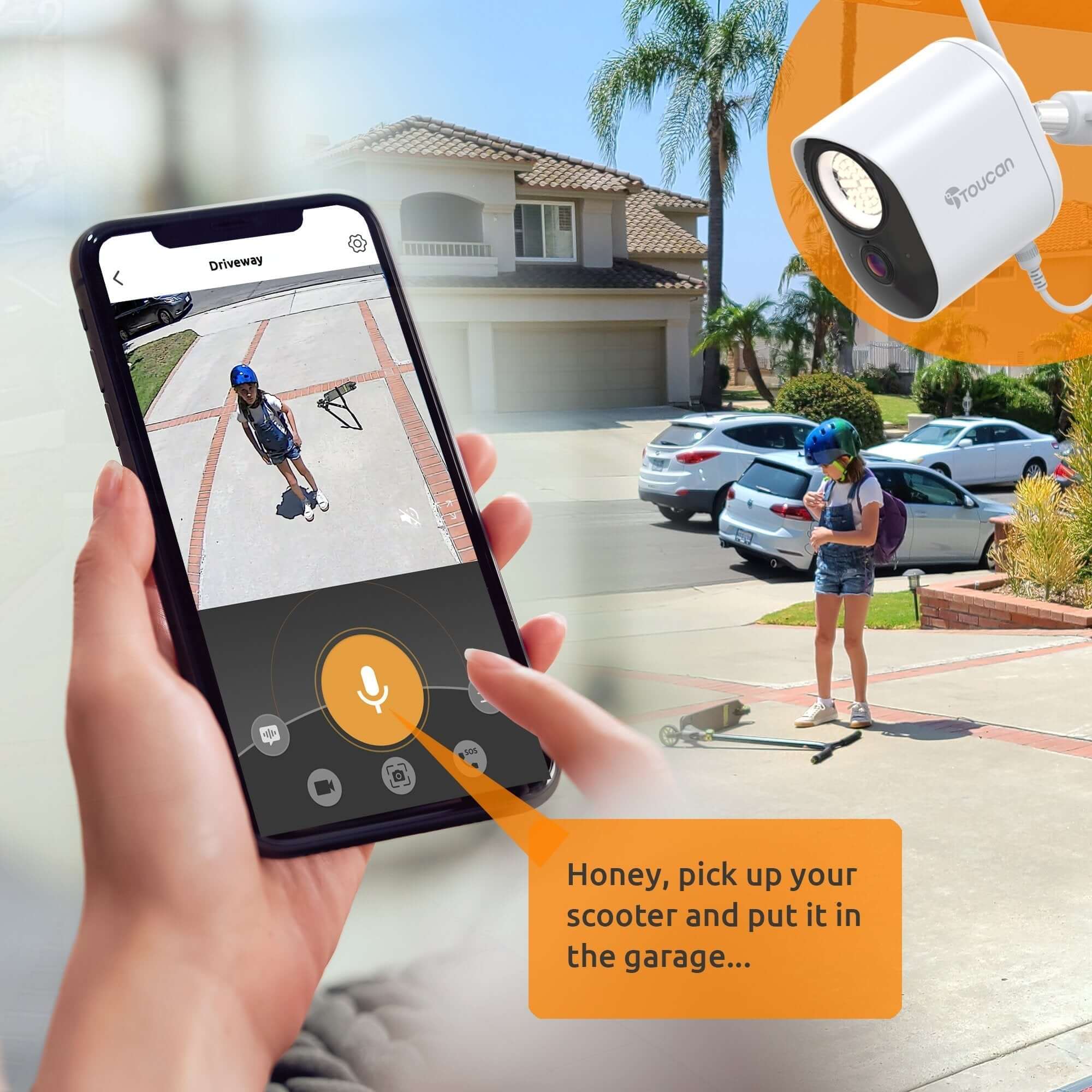
Use two-way talk to speak through the camera using the free Toucan Smart Home app, use pre-recorded auto-responses to let someone know that you’re watching, even trigger the 110dB siren and flashing light from the app. With customizable motion zones, let your security light camera only alert you when it detects motion where you want it to look for motion.


Toucan Smart Home Applications


- No Subscription Required
- 2.4 GHz Wi-Fi Only (Not Compatible with 5 GHz Wi-Fi)
Tech Spec
Features
Accurate RADAR Motion Detection sends instant notifications to your smartphone alerting you that motion is detected.
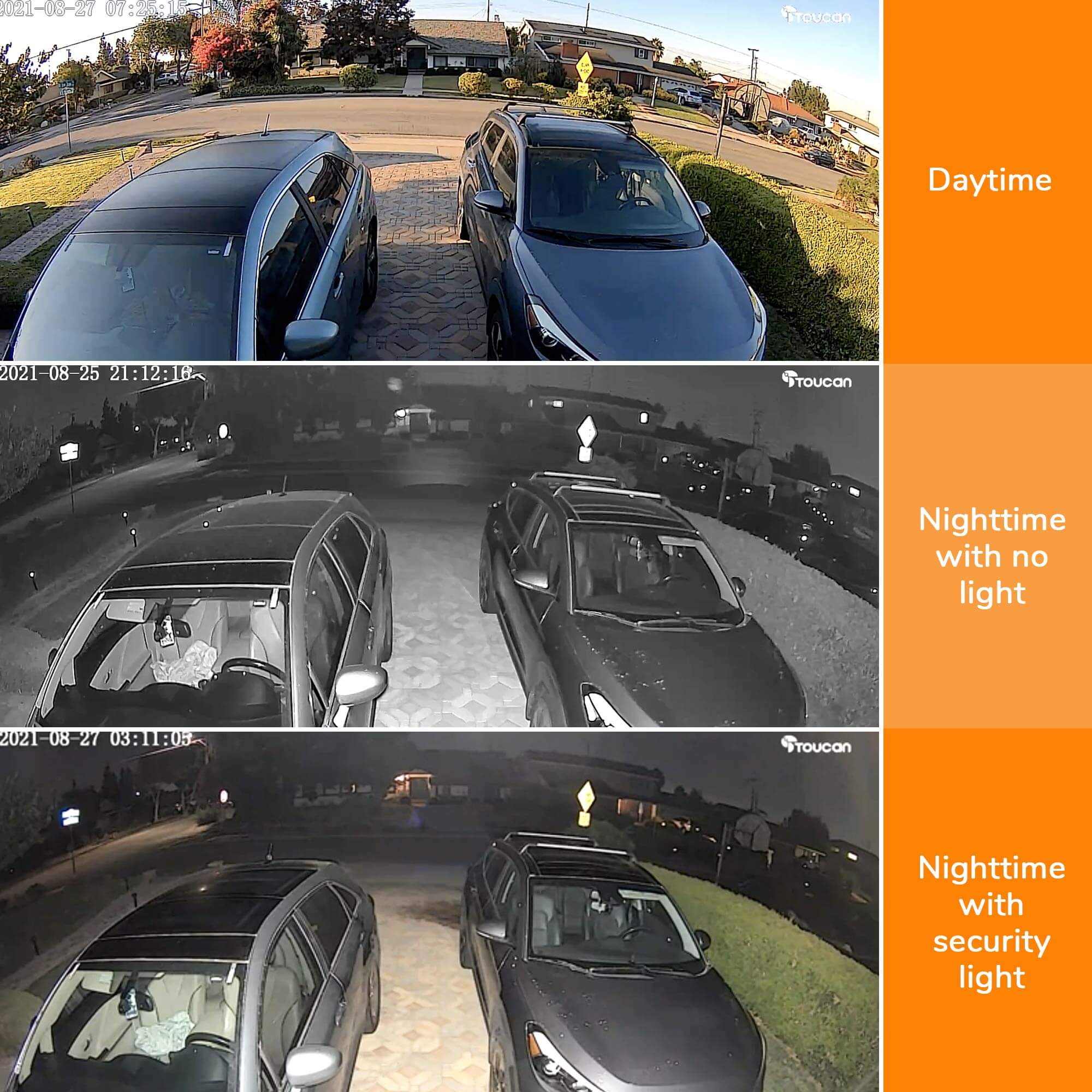
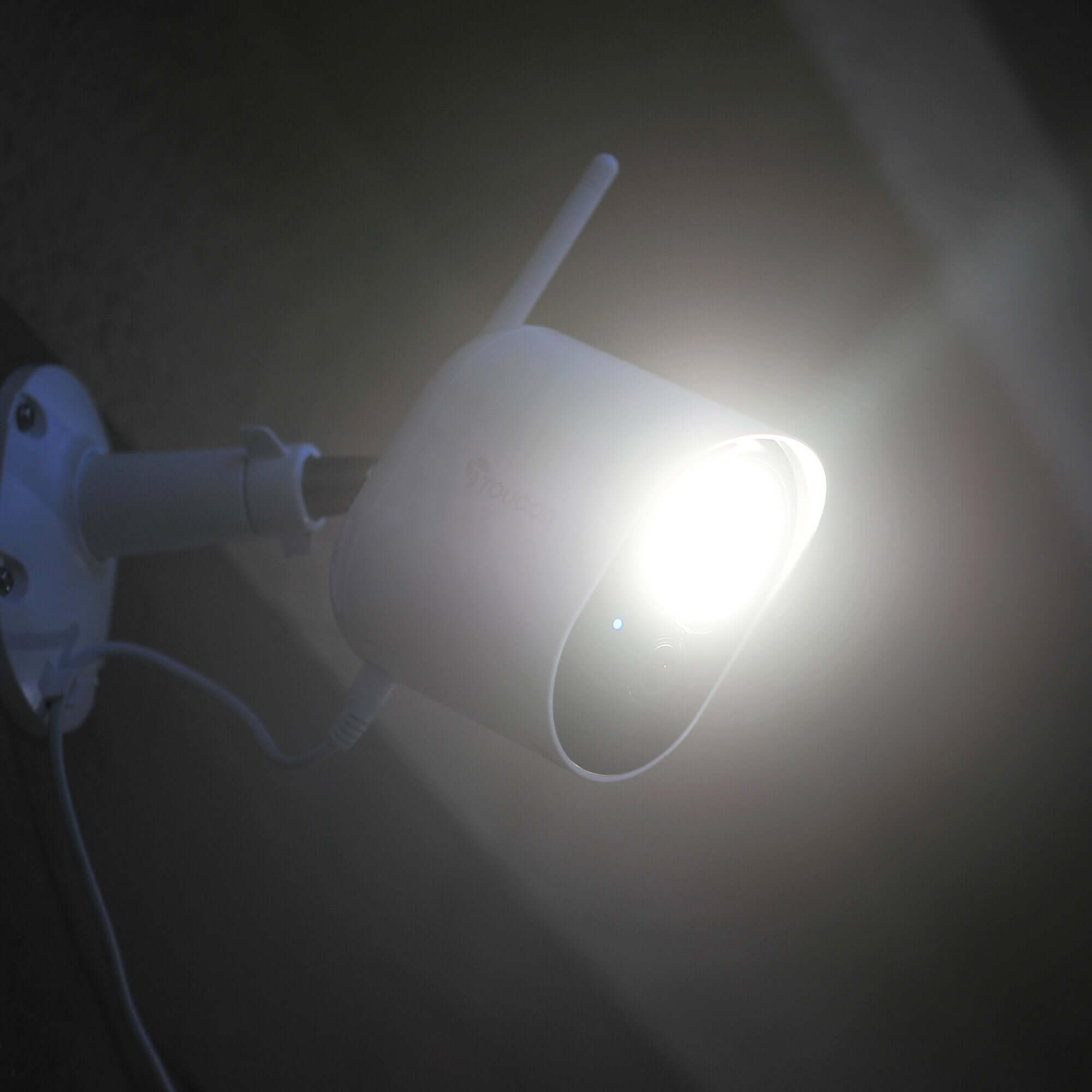
1200 lumens super bright adjustable security light can illuminate the area and help prevent crime.
1080p Full HD resolution with 146˚ wide-angle view allows you to monitor an expansive area with clear video.
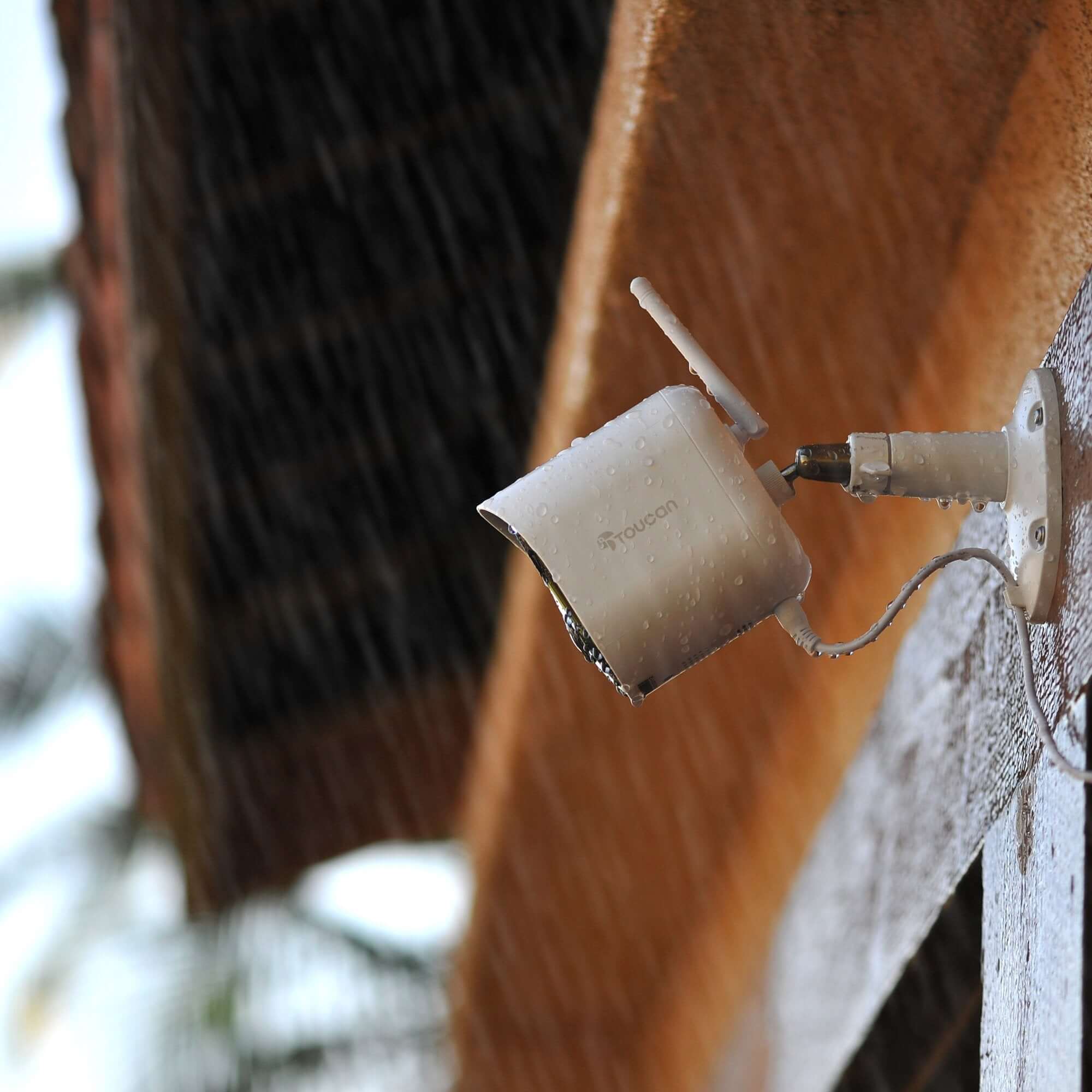
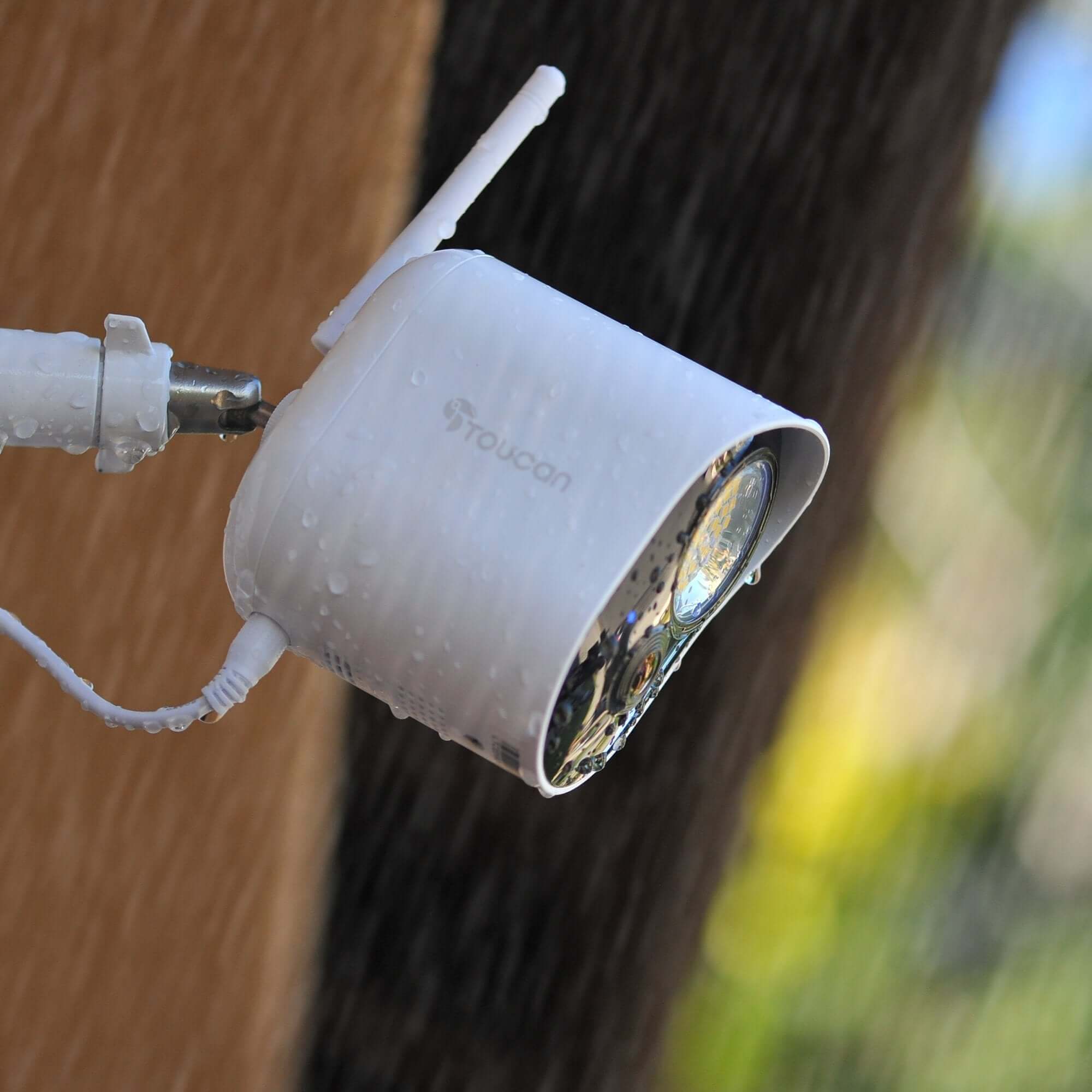
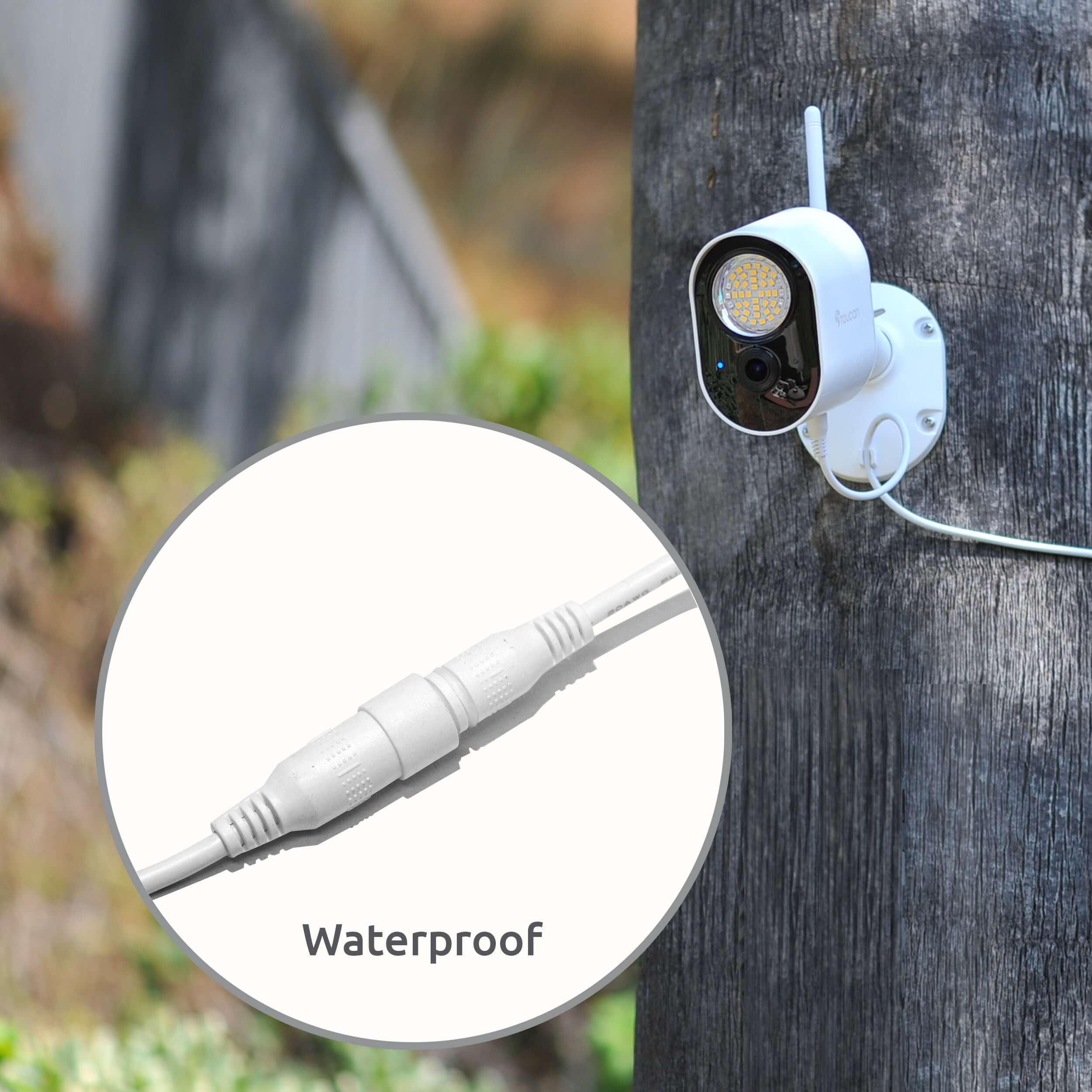
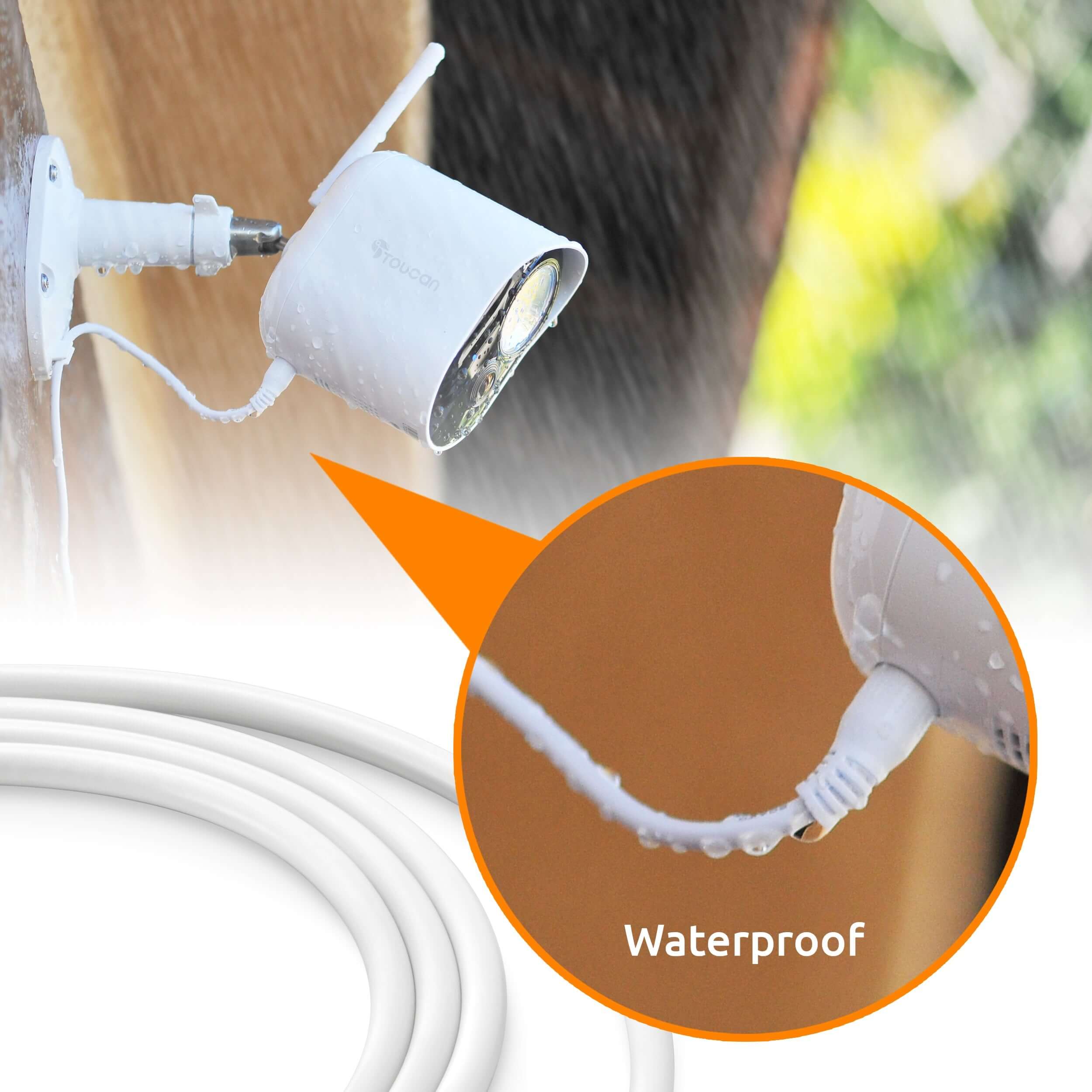
IP56 weather resistance rating protects the device from the weather.
Customizable motion detection zones help you filter out real alerts from unwanted traffic.
Night vision allows clear recordings and motion detection in low light conditions.
A 10-second pre-record buffer before triggering the footage recording ensures more complete and accurate footage to review when an incident occurs.
Toucan Smart Home App installed on your smartphone allows control and access from anywhere.
110dB speaker and siren to scare the intruder away.
No Subscription Required.
Free 24-hour video history allows you to review the events of the day.
Two-way talk through your smartphone lets you speak to the person remotely.
Pre-recorded messages to obscure your voice.
Works with Amazon Echo Show and Google Home.
No hub or base station required.
2.4Ghz Wi-Fi makes it easy to connect the outdoor camera to your home network (Not Compatible with 5Ghz Wi-Fi).
Powered from any Electrical Outlet.
8m total of included Weather Resistant Power Cable Videos.
Encrypted for Privacy.
Included in the Box

2 Cameras

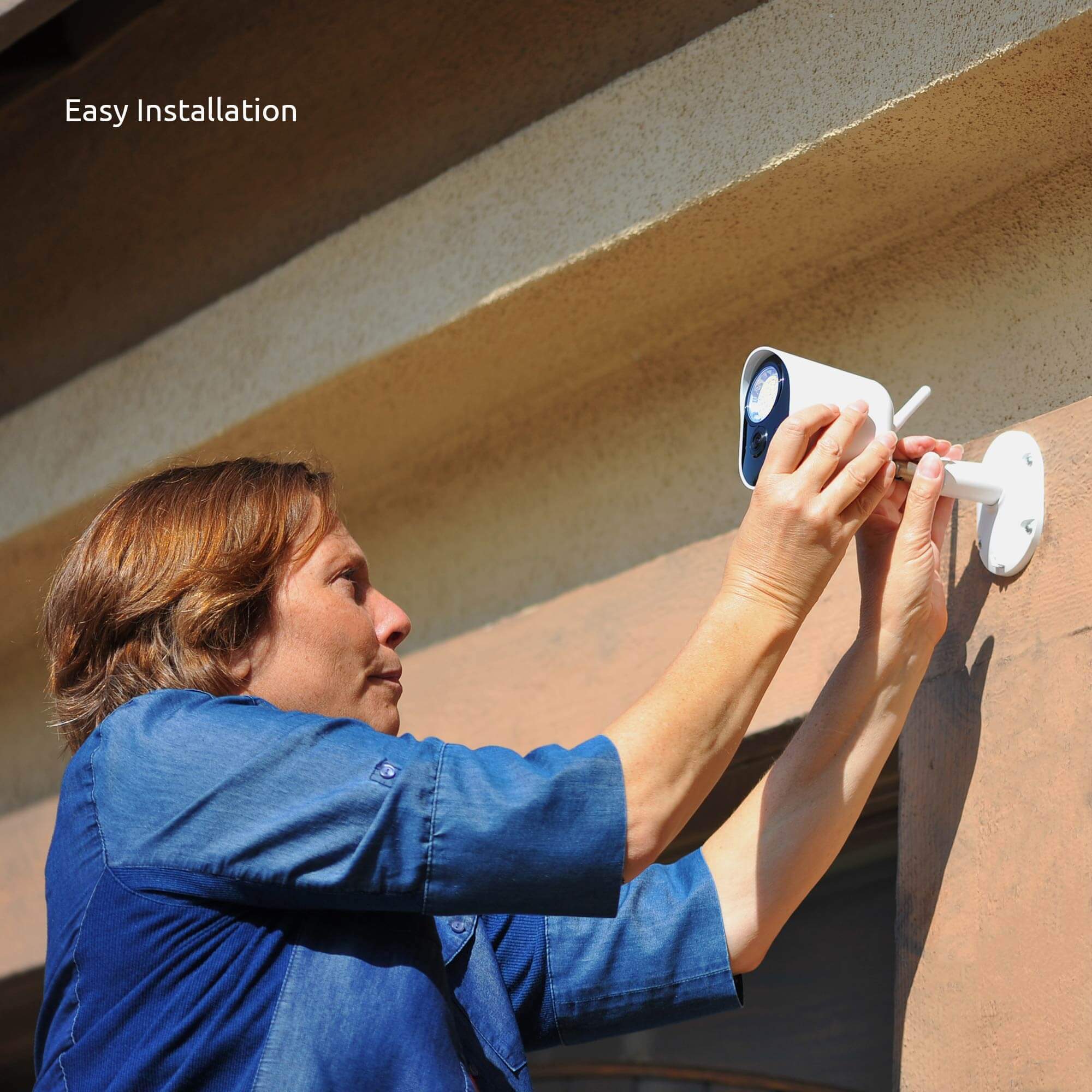
Mount

Screws

Cables

Manual


FAQs
Please read our FAQs page to find out more.
How to pair via QR code?
Please check out our video on how to pair our camera that is using QR Code to our Toucan Smart Home App.
Watch the how-to video here: https://youtu.be/Pk1gjAyNHk8
Why can't I connect my camera to Wi-Fi?
Our cameraonly supports 2.4 GHz Wi-Fi networks. Before setting up the camera, make sure yourphone is connected to a 2.4 GHz Wi-Fi. Many routers offer both 2.4 GHz and 5 GHz bands, so it's important to select the correct one.
How do I check if my phone is connected to a 2.4 GHz Wi-Fi?
📱 For iPhone (iOS):
Go to Settings > Wi-Fi.
Tap the connected Wi-Fi network (checkmark).
If the network name includes "5G" or "5GHz", it's likely a 5 GHz network.
Switch to a 2.4 GHz network (often labeled without "5G", like "MyWiFi" instead of "MyWiFi_5G").
📱 For Android:
Go to Settings > Connections > Wi-Fi.
Tap the connected network.
Look for the Frequency or Network details.
If it says 5 GHz, disconnect and select a 2.4 GHz option.
💡 Tip: Some routers merge both bands under one name. In this case, temporarily disable 5 GHz in your router settings or move farther from the router—phones often auto-connect to 2.4 GHz at longer range.
How do I pair the camera after connecting to a 2.4 GHz network?
1. Download the camera app from the App Store or Google Play.
2. Open the app and register or log in.
3. Follow the on-screen instructions to add a new device.
4. Make sure your phone remains on the 2.4 GHz Wi-Fi during setup.
5. Enter the Wi-Fi password when prompted.
6. Proceed with pairing—your camera will now connect to the network.
I am looking for a security camera made in the USA. Where are your products made?
We are a US Corporation based in So. Calif. Our security cameras are manufactured in Vietnam. However all other aspects are here in the USA, including our cloud servers and customer service.
Didn't find your answer?
Click the link below, and one of our agents will be happy to assist you!