
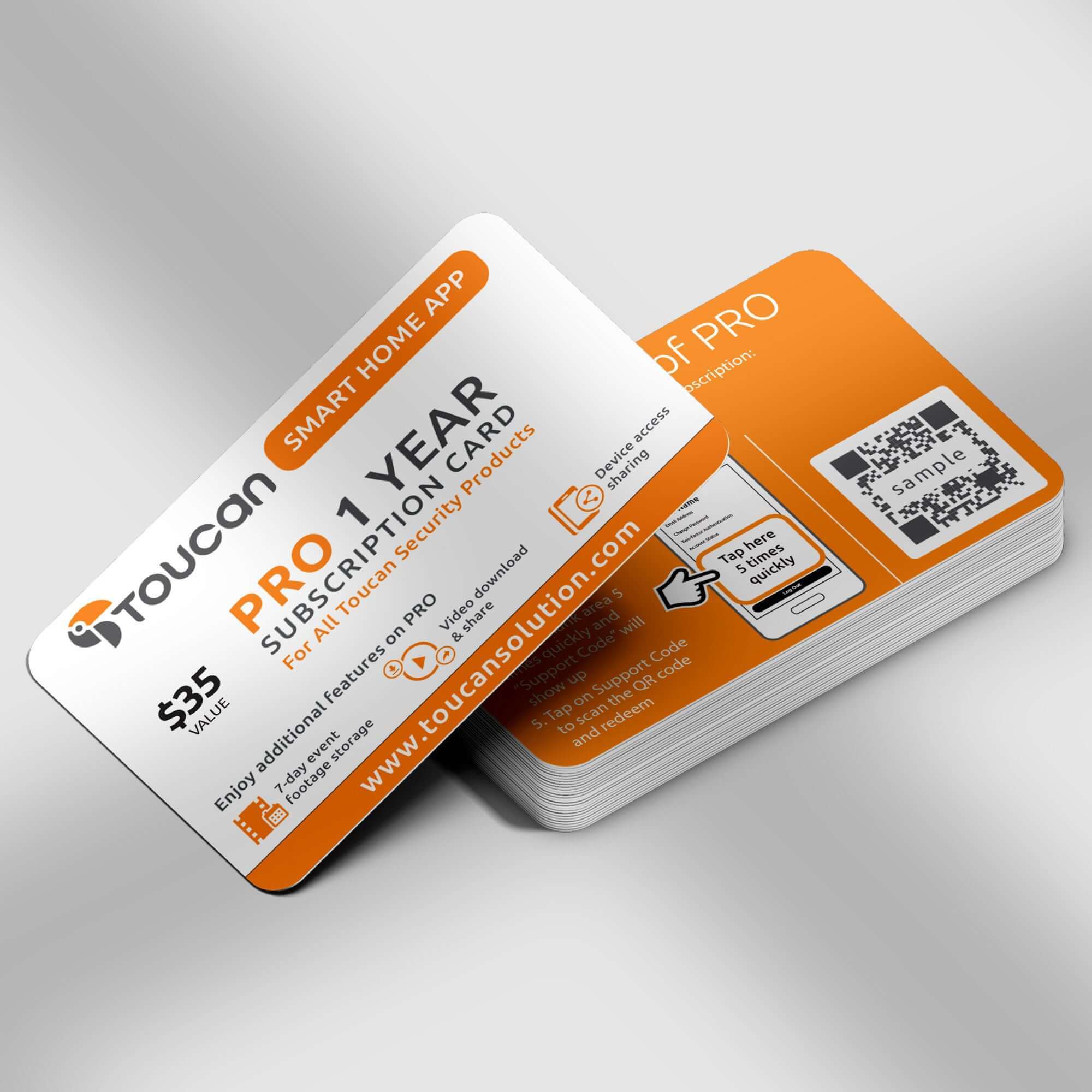

Toucan Shield Plan Pro - 1 Year Subscription Card
SKU: TASCPRO12
Toucan Shield Plan Pro - 1 Year Subscription Card - Unlock More Control, More Visibility with a Big Discount!
Take your home security to the next level. The Toucan Smart Home App Pro subscription gives you enhanced features, extended access, and full control across all your devices.
Upgrade your Toucan experience with the Smart Home App PRO 1-Year Subscription. One subscription covers all your devices, unlocking advanced features, extended video history, and enhanced control, so you can manage your home security with confidence.
Toucan Shield Plan Pro - 1 Year Subscription Card Ideal For:
- Homes with multiple Toucan devices
- Users wanting more video history and features
- Customers looking for enhanced control and flexibility
Pairs well with
In stock! Ships within 1-2 business days.

30-day risk-free trial
1-Year Warranty
Free shipping over $75
Toucan Shield Plan Pro - 1 Year Subscription Card
If you have any questions, you are always welcome to contact us. We'll get back to you as soon as possible, within 24 hours on weekdays.
-
Shipping Information
Use this text to answer questions in as much detail as possible for your customers.
-
Customer Support
Use this text to answer questions in as much detail as possible for your customers.
-
FAQ’s
Use this text to answer questions in as much detail as possible for your customers.
-
Contact Us
Use this text to answer questions in as much detail as possible for your customers.
Pro 1 Year Subscription Card
Upgrade to Pro and get all of the great Free features plus lots of great additional benefits including:
7 Days Cloud Storage
Unlimited Video Event Downloads
Customised Video Duration 30s, 60s, 90s
Up to 10 Shared Users
Holiday Auto Greetings
Bookmark Recordings
This is a great saving on the monthly subscription fee of price of $2.99/month


Testimonials
Where experience meets satisfaction

FAQs
Please read our FAQs page to find out more.
How to pair via QR code?
Please check out our video on how to pair our camera that is using QR Code to our Toucan Smart Home App.
Watch the how-to video here: https://youtu.be/Pk1gjAyNHk8
Why can't I connect my camera to Wi-Fi?
Our cameraonly supports 2.4 GHz Wi-Fi networks. Before setting up the camera, make sure yourphone is connected to a 2.4 GHz Wi-Fi. Many routers offer both 2.4 GHz and 5 GHz bands, so it's important to select the correct one.
How do I check if my phone is connected to a 2.4 GHz Wi-Fi?
📱 For iPhone (iOS):
Go to Settings > Wi-Fi.
Tap the connected Wi-Fi network (checkmark).
If the network name includes "5G" or "5GHz", it's likely a 5 GHz network.
Switch to a 2.4 GHz network (often labeled without "5G", like "MyWiFi" instead of "MyWiFi_5G").
📱 For Android:
Go to Settings > Connections > Wi-Fi.
Tap the connected network.
Look for the Frequency or Network details.
If it says 5 GHz, disconnect and select a 2.4 GHz option.
💡 Tip: Some routers merge both bands under one name. In this case, temporarily disable 5 GHz in your router settings or move farther from the router—phones often auto-connect to 2.4 GHz at longer range.
How do I pair the camera after connecting to a 2.4 GHz network?
1. Download the camera app from the App Store or Google Play.
2. Open the app and register or log in.
3. Follow the on-screen instructions to add a new device.
4. Make sure your phone remains on the 2.4 GHz Wi-Fi during setup.
5. Enter the Wi-Fi password when prompted.
6. Proceed with pairing—your camera will now connect to the network.
I am looking for a security camera made in the USA. Where are your products made?
We are a US Corporation based in So. Calif. Our security cameras are manufactured in Vietnam. However all other aspects are here in the USA, including our cloud servers and customer service.
Didn't find your answer?
Click the link below, and one of our agents will be happy to assist you!