
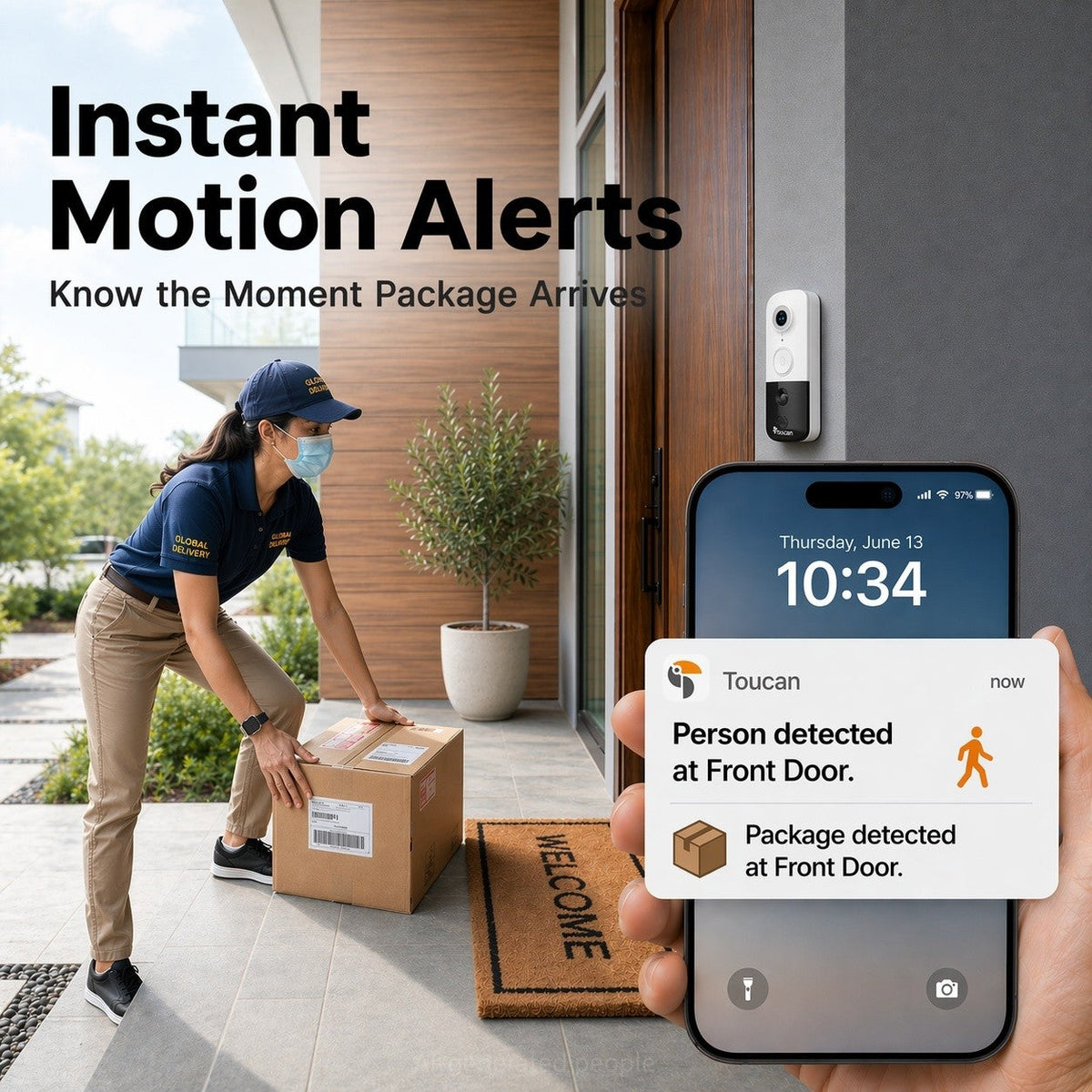
A renter-friendly front-door guide
Yes, renters can often use a battery-powered video doorbell without existing wiring. The important first steps are checking your lease or building rules, getting written permission when required, and choosing a position that respects neighboring homes and shared spaces.
A wireless model can be practical for an apartment, townhouse, rented house, or temporary home because it does not depend on existing doorbell wiring. However, “wireless” does not automatically mean that every mounting method is permitted, so plan the installation before buying.
Start With Permission, Not the Drill
Before attaching anything to the doorway, read the parts of your lease that cover exterior alterations, cameras, adhesives, drilling, and common areas. Apartment buildings and managed communities may also have separate rules about hallway or exterior devices.
If the wording is unclear, ask the landlord or property manager in writing. Describe the device, where you want to place it, and how it would be mounted. Written approval gives both sides a clear record of what was agreed.
Also consider what the camera will see. A front-door view should focus on the area relevant to your entrance. Avoid deliberately aiming it toward a neighbor’s private window, doorway, or another space where people reasonably expect privacy. Local rules vary, so building approval does not replace checking applicable laws.


Choose a Doorbell That Does Not Need Existing Wiring
A battery-powered doorbell avoids the need to connect the device to an existing wired doorbell circuit. That is especially useful when a rental has no doorbell wiring, when the existing system cannot be altered, or when you expect to take the device to your next home.
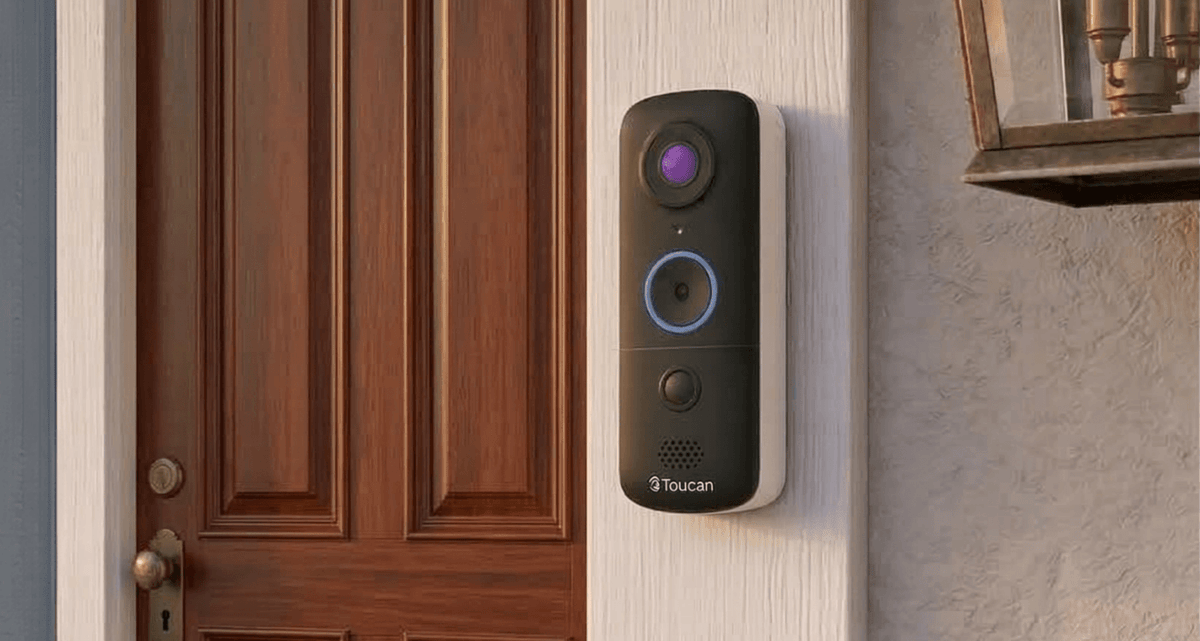
The Toucan V3D and Toucan V3 are rechargeable, battery-powered video doorbells that connect through compatible 2.4 GHz Wi-Fi. Neither requires existing doorbell wiring or a separate hub.
The main household difference is how you want to receive an alert. Toucan V3D is an app-first option and does not include an indoor chime. Toucan V3 includes a wireless indoor chime in addition to app alerts.
Check These Four Things Before Mounting
- Test Wi-Fi at the doorway. Stand near the intended mounting position and confirm that your compatible 2.4 GHz network reaches the entrance reliably. A strong connection inside the apartment does not always mean the signal is equally good outside the door.
- Choose a useful, respectful view. Temporarily hold the doorbell in position and check what the camera would capture. Look for a useful view of visitors and deliveries without unnecessarily including neighboring entrances or private areas.
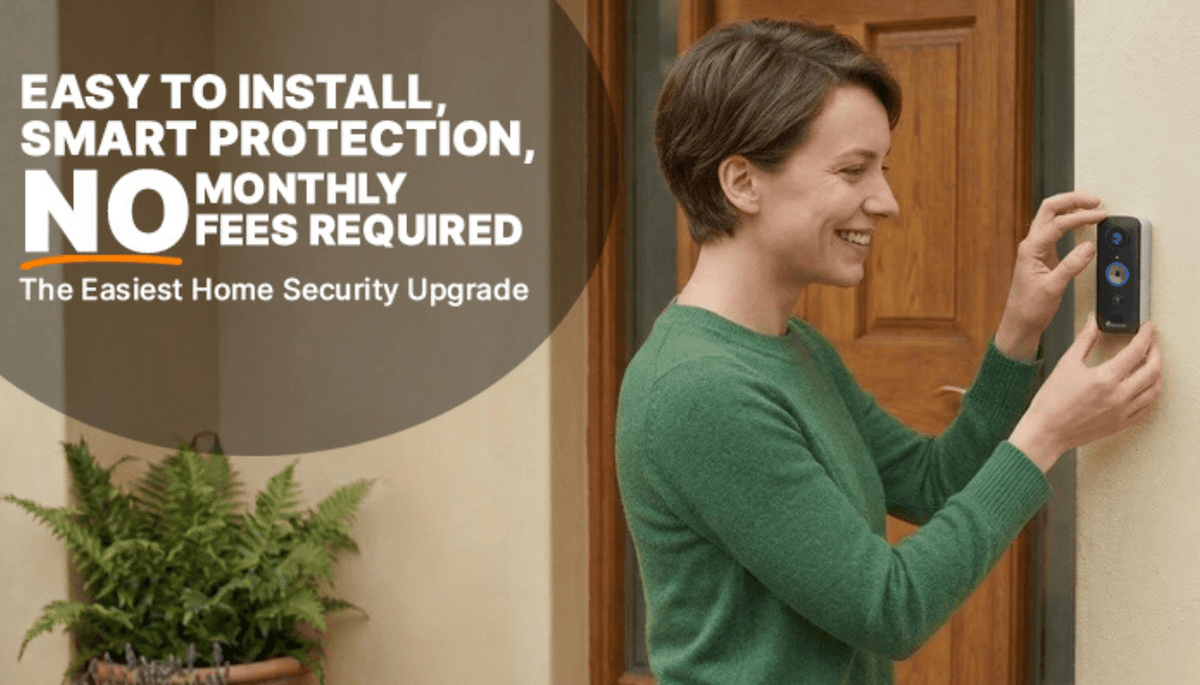
- Confirm the approved mounting method. Use only the installation materials and instructions intended for the product. Do not assume that drilling, adhesive mounting, or attaching a device to a doorframe is allowed just because the device is battery-powered.
- Decide who needs to hear the doorbell. If you normally keep your phone nearby, app alerts may be enough. If children, guests, or other household members need an audible indoor alert, consider a model with a wireless chime.
Make the Setup Easier to Take With You
Renters benefit from treating the doorbell and its installation pieces as a small move-out kit. Keep unused hardware, the charging cable, the installation guide, and any approved mounting accessories together.
Before installation, photograph the doorway and surrounding surface. When it is time to move, follow the approved removal instructions and address any permitted mounting marks according to your lease.
Test the full setup before final mounting. Confirm the view, app notifications, live connection, and chime placement if your model includes one. This can prevent unnecessary repositioning on a surface you do not own.

What Can You Use Without a Required Monthly Fee?
A renter-friendly purchase should fit your monthly budget as well as your doorway. Toucan’s included Basic service currently provides essential features such as live view, alerts, two-way talk, and 24-hour event history without a required monthly fee.
Optional AI+ plans are available for customers who want additional capabilities. Review the current plan comparison before choosing an upgrade, since plan features and eligibility may change.
A Practical Renter Checklist
- Read your lease and building rules.
- Get written permission when required.
- Confirm the approved mounting surface and method.
- Test compatible 2.4 GHz Wi-Fi at the entrance.
- Check the camera view before final installation.
- Avoid aiming toward neighboring private areas.
- Choose app-first alerts or an included indoor chime.
- Keep the charging cable, guide, and unused hardware together.
- Save written approval and installation photos for move-out.
This preparation can be especially useful before fall visitors and holiday deliveries increase. The goal is not to make permanent changes to the property. It is to choose a setup that fits your household, your rental agreement, and the way you answer the door.
Frequently Asked Questions
Do renters need permission to install a video doorbell?
It depends on the lease, building rules, mounting method, and local requirements. Review the documents that apply to your home and request written permission before drilling, using adhesive, or altering an exterior surface when approval is required.
Can a Toucan video doorbell work without existing wiring?
Yes. Toucan V3D and V3 use rechargeable battery power and do not require connection to existing doorbell wiring. Both require compatible 2.4 GHz Wi-Fi.
Does the Toucan V3D include an indoor chime?
No. The V3D is an app-first model and does not include an indoor wireless chime. The Toucan V3 includes a wireless chime.
Can renters use a Toucan doorbell without a paid subscription?
Yes. Essential Basic features, including live view, alerts, two-way talk, and 24-hour event history, are available without a required monthly fee. AI+ plans are optional.
Does a video doorbell prevent package theft?
No device can guarantee that a package will remain secure. A video doorbell can help you receive alerts and check activity near the entrance, but delivery and security outcomes depend on many factors.
Choose a Doorbell That Fits Your Rental
Start with permission, test the proposed location, and then choose between an app-first doorbell and a model with an indoor chime. A thoughtful setup can give renters useful front-door awareness without depending on existing wiring.

Share:
Do Video Doorbells Need a Chime? How to Choose
How to Install a Wireless Video Doorbell: 7 Checks First